





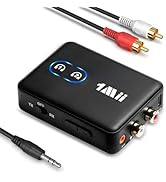
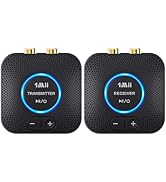
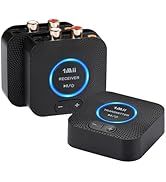
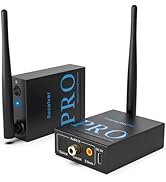
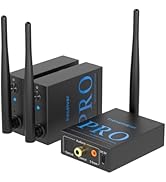
1Mii SafeFly Pro Transmitter and Receiver
Merchant Video


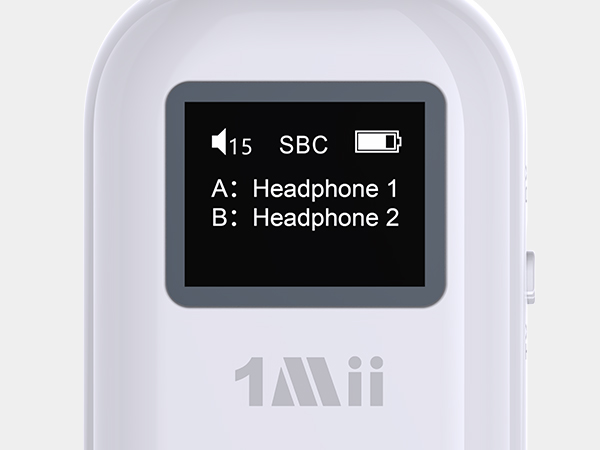
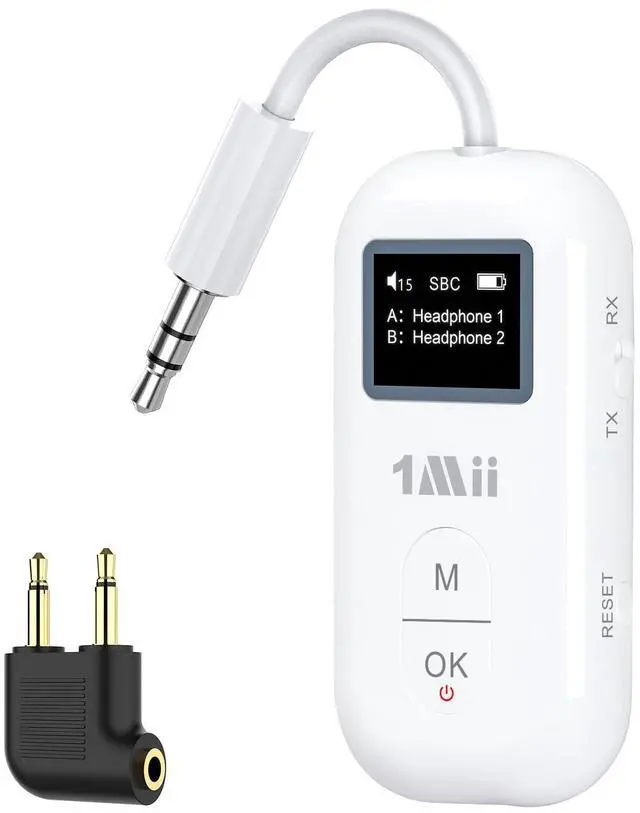
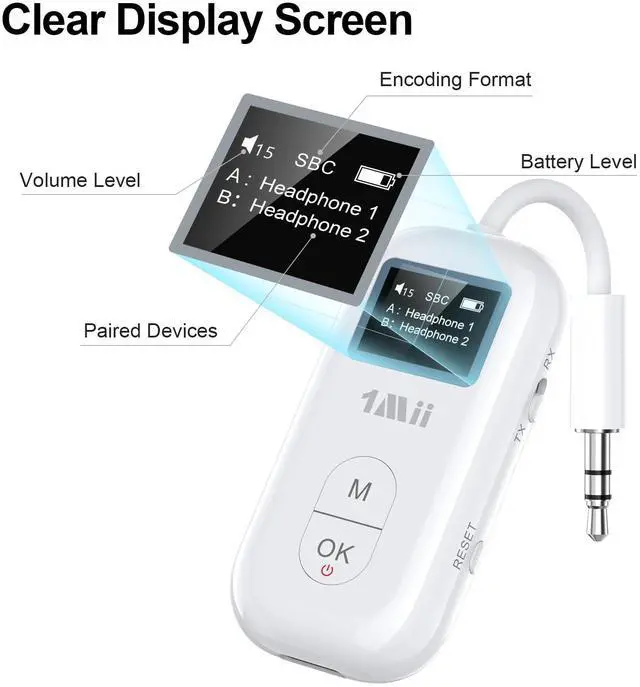
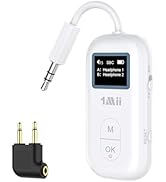
OLED Sreen
It clearly shows connection status, battery life, encoding format and volume level, so you’re not guessing based on blinking lights
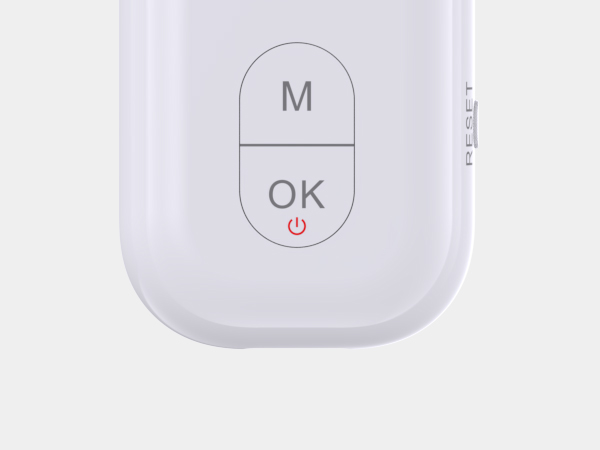
Multifunction and power button
Multifunction Button: Press once to select devices, double-click to switch decoding format. Power Button:Press and hold for 2s to enter searching/pairing mode, press once to comfirm devices/Play/Pause
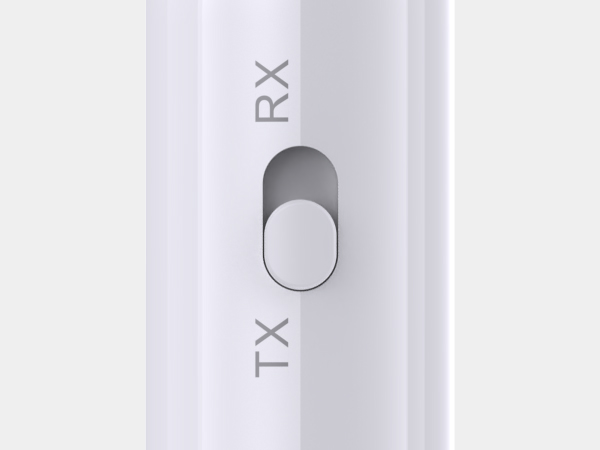
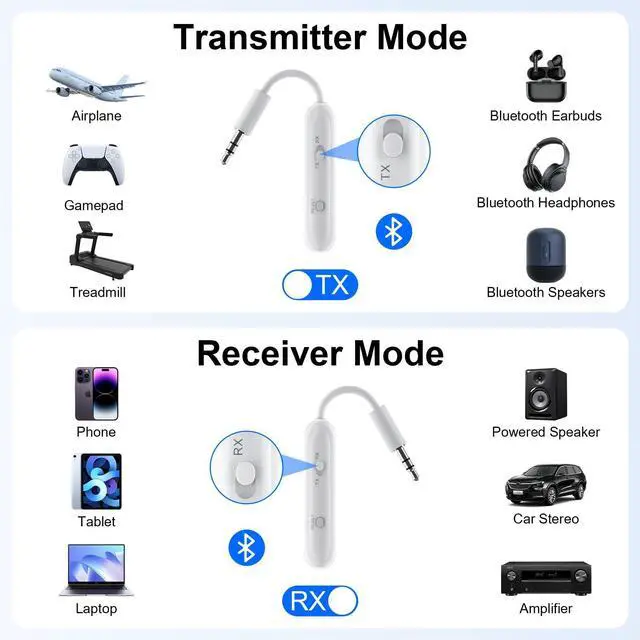
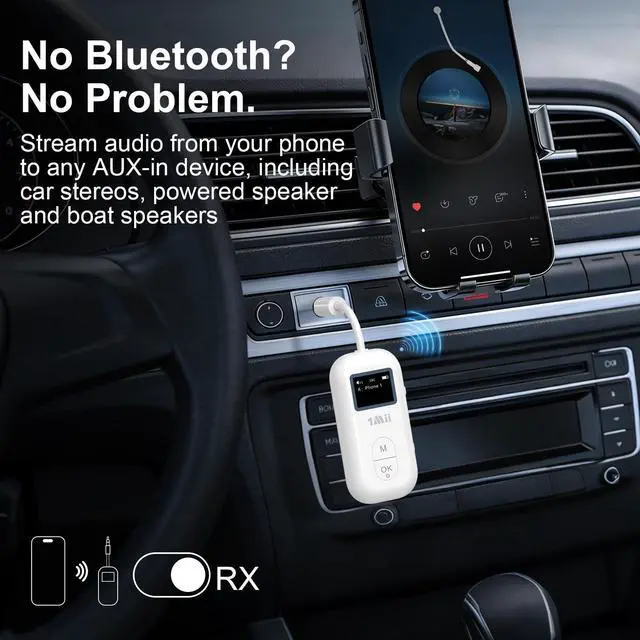
TX/RX Toggle
Toggle between Transmit (TX) and Receive (RX) modes.
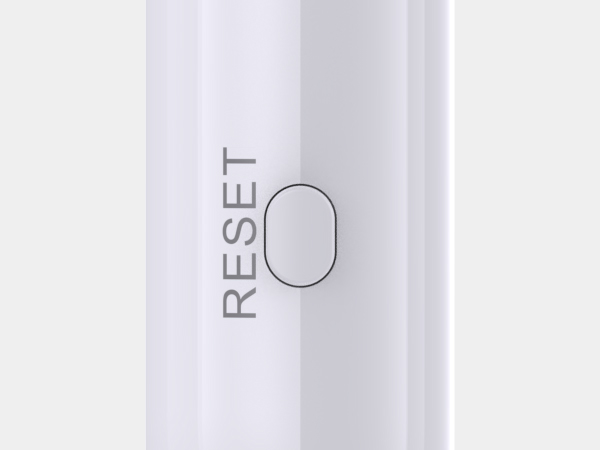
Reset
Press and hold the "RESET" button for 3 seconds until the screen displays "Factory Restore", then it will enter pairing mode automatically


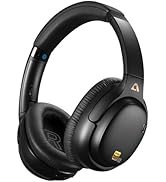
How to pair my Bluetooth headphones?
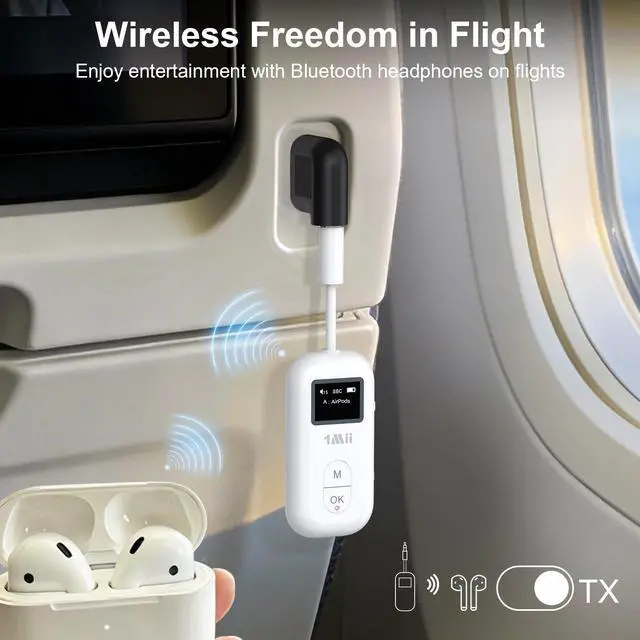
Slide the SafeFly Pro's switch to "TX", press and hold the "OK" button for 2 seconds to power on.
Press and hold the "OK" button for 2 seconds until the screen displays "Searching".
Put your headphones into pairing mode. After searching, you'll see a list of nearby Bluetooth devices on the screen. Use the "M" button to select your headphones, then press the "OK" button to confirm pairing.
Plug the SafeFly Pro into an in-flight entertainment system, TV, or PC with the 3.5mm audio OUTPUT port.
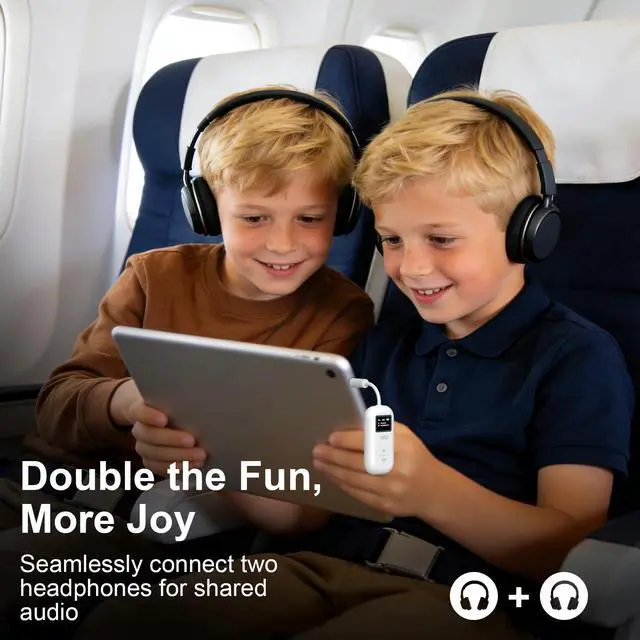
How do I pair a second Bluetooth headphone?
Press and hold the "OK" button for 2 seconds until the screen displays "Searching".
Put the second headphones into pairing mode.
Use the "M" button to select the second pair of headphones, then press the "OK" button to confirm pairing.
How to switch decoding formats?
Double-click the "M" button to switch the decoding format.
To use a specific codec, ensure your receiving or transmitting device (e.g., headphones or phone) also supports it.
How to restore factory settings?
Press and hold the "RESET" button for 3 seconds until the screen displays "Factory Restore", then it will enter pairing mode automatically
How to disconnect the devices?
Press and hold the "OK" button for 2 seconds to enter selection mode.
Use the "M" button to select the headphones you want to disconnect, then press the "OK" button to confirm.
(This operation is only available when two pairs of headphones are connected simultaneously)
New Releases
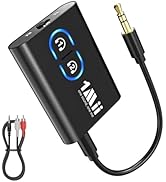
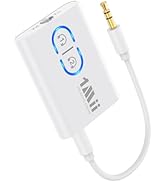
1Mii Bluetooth Transmitter
1Mii 2.4G TX+RX Set