Out of stock
  • $44.99
  • Free 30-day Returns
  • $5.99 Shipping ()
Most customers receive within 5-9 days.
Price alert
Shop it at NeweggBusiness.

Meet Your Seller

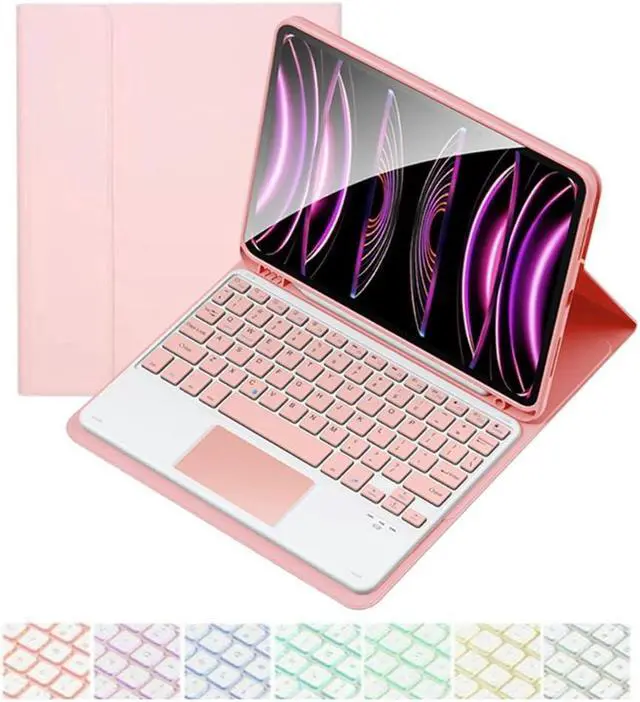
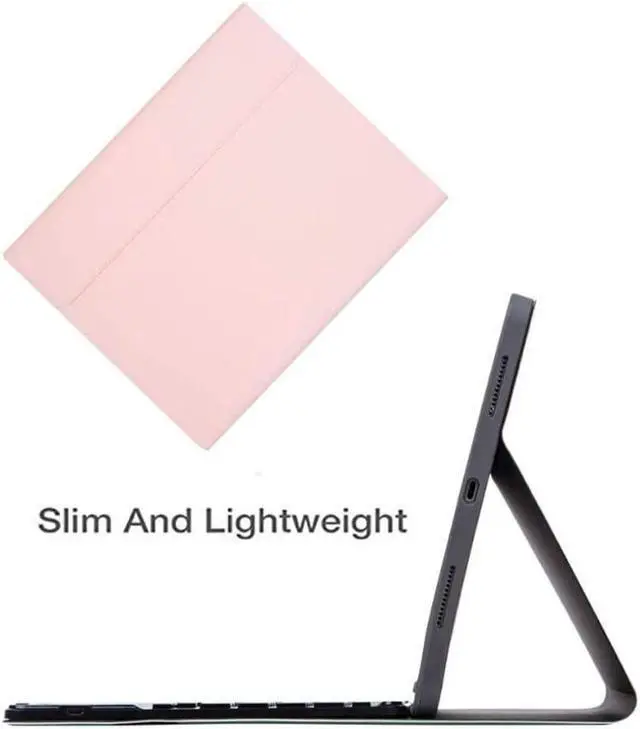
CHAINORA Touchpad Keyboard Case for iPad 10th Generation & 11th (A16, 2025), 7 Colors Backlit Slim Folio Cover Detachable Bluetooth Keyboard with Pencil Holder(Pink)

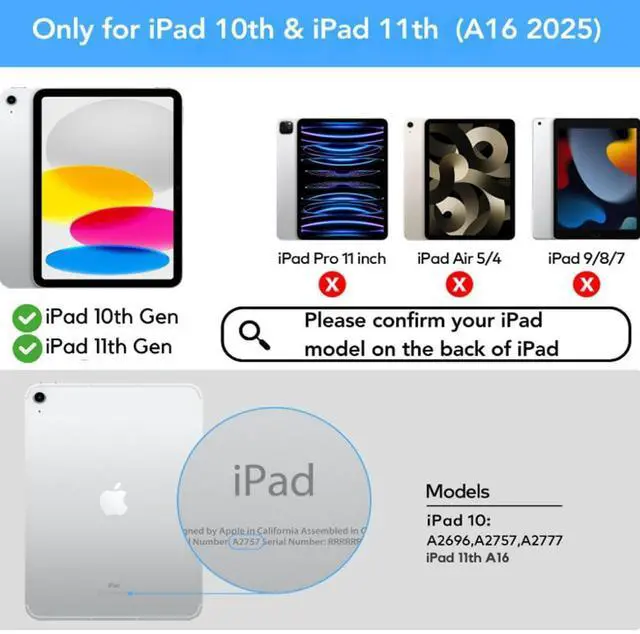
  • COMPATIBLE MODEL: iPad 10.9 inch 10th Generation (models A2696, A2757, A2777) and iPad 11th 2025 A16 Chip (models A3354, A3355, A3356). NOT compatible with any other devices. Please kindly check the model before purchase.
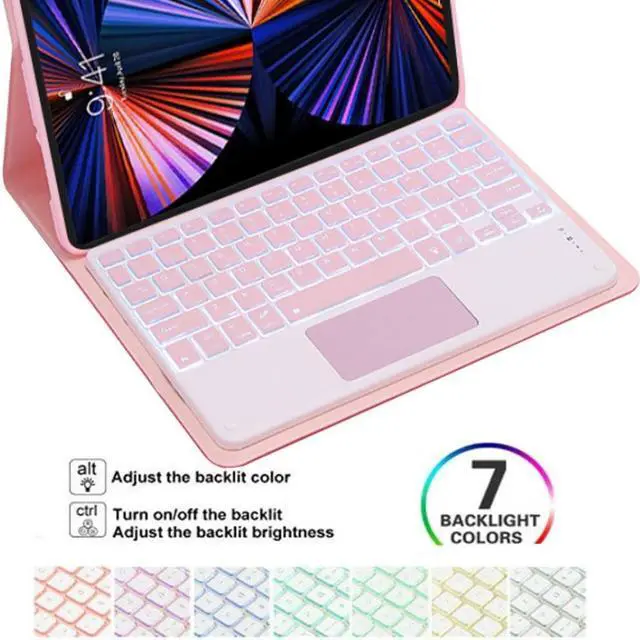
  • BACKLIT KEYBOARD: 7 Colors back light options, 3 level Brightness. You can change the backlights on the keys to different colors. Typing in the dark or dim light is so much easier.
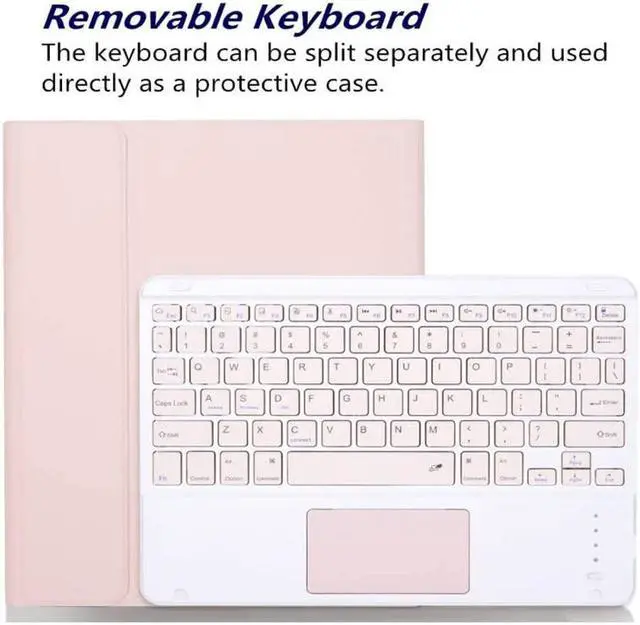
  • BUILD-IN TOUCHPAD Function :keyboard comes with a touchpad, no more extra mouse needed, turn your iPad to a real laptop. which is very convenient for your watching, wroking and carrying.
  • RECHARGEABLE BATTERY:The lithium battery combined with Type-C fast charging technology. It takes only 2-3 hours to fully charge, it can work for over 200 hours with a standby time of more than 90 days, ensuring that your busy work or entertainment will not be interrupted by lack of power.
  • All-Round Protection:Premium Vegan Leather, Full Protection for Your iPad.PU Leather exterior offe
+
+
Overview
Specs
Reviews
avatar

Any questions? Our AI beta will help you find out quickly.

Material: ABS (the keyboard) +PU Leather (the case)
Working distance: 10m
Charging time: 2-3 hours
Standby time: 100 days
Working time: 100 hours
Charging current: 200mA
Chip: Broadcom chip Bluetooth version 5.0
Support system: IOS / Android, /Windows system
Net weight: 0.65 kg

Package Includes
1 x Keyboard Case
1 x Micro USB Charging Cable
1 x English Instructional Manual

How to get the keyboard sync with iPad:
1. Please go to the iPad accessibility setting to turn on the assistive touch function first, then you can use the touchpad. Press FN + Space to turn off the touchpad function.
2. Fully charge the keyboard, push the botton to ON power
3. Press the key"FN+C", the bluetooth light flashes.
4. Go to your iPad settings, click on bluetooth and look for the keyboard.
5. Click on the keyboard and it will connect.

Warranty & Returns

Warranty, Returns, And Additional Information

Warranty

  • Please contact the Seller directly for warranty information. Warranty information may also be found on the Manufacturer's website.
  • CONTACT

Return Policies

  • Return for refund within: 30 days
  • Return for replacement within: 30 days
  • This item is covered by Luhang Return Policy

Manufacturer Contact Info

LOADING...