








Steam Deck Accessories

Steam Deck Accessories


Steam Deck Accessories
Steam Deck Accessories
Steam Deck Accessories
Steam Deck Accessories
Steam Deck Accessories
Steam Deck Accessories
Steam Deck Accessories
Steam Deck Accessories

Steam Deck Accessories
Steam Deck Accessories
Steam Deck Accessories
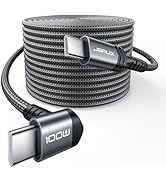
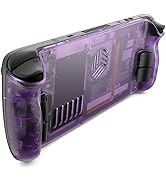
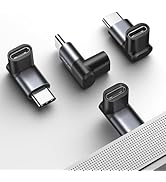
![JSAUX PS5 Controller Charging Cable 10FT, USB C [Anti-Interference Magnetic Ring] Fast Charger Co...](//c1.neweggimages.com/sellingpilot/modules/product/a-plus/e2011b2b59f84c247b10278f49fdce55879a6407c42a73ece7c922ff34923036.jpg)
Steam Deck Accessories
![JSAUX PS5 Controller Charging Cable 10FT, USB C [Anti-Interference Magnetic Ring] Fast Charger Co...](http://c1.neweggimages.com/sellingpilot/modules/product/a-plus/e2011b2b59f84c247b10278f49fdce55879a6407c42a73ece7c922ff34923036.jpg)
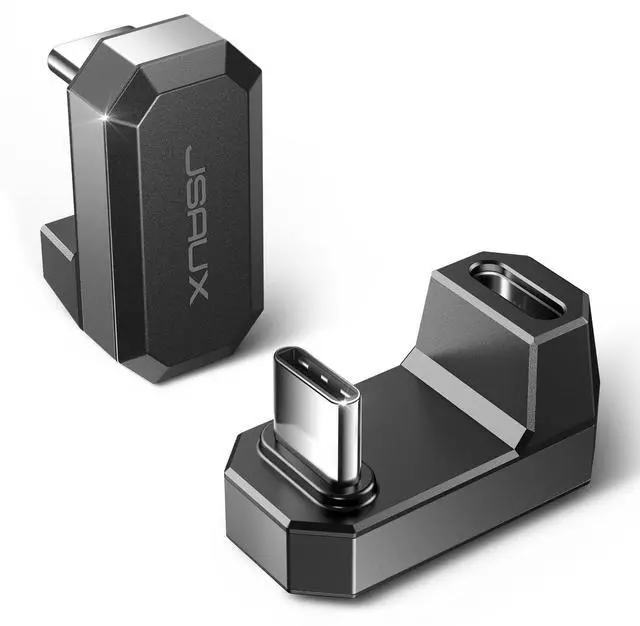
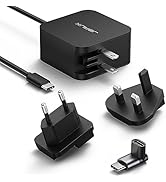
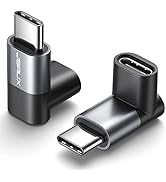
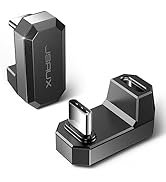
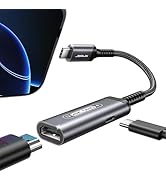
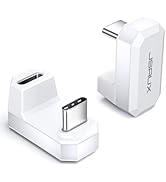
JSAUX 180 Degree USB C to USB C & USB C to USB A Adapter


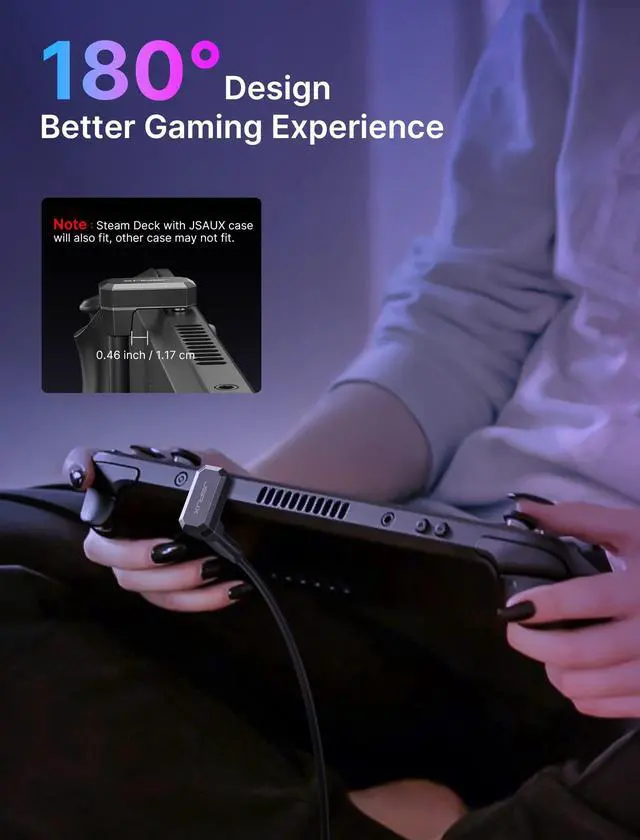
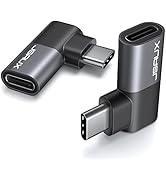
This USB C to USB Adapter with an innovative 180 degrees U shape design, is much more comfortable for playing games when you lie on bed while charging.

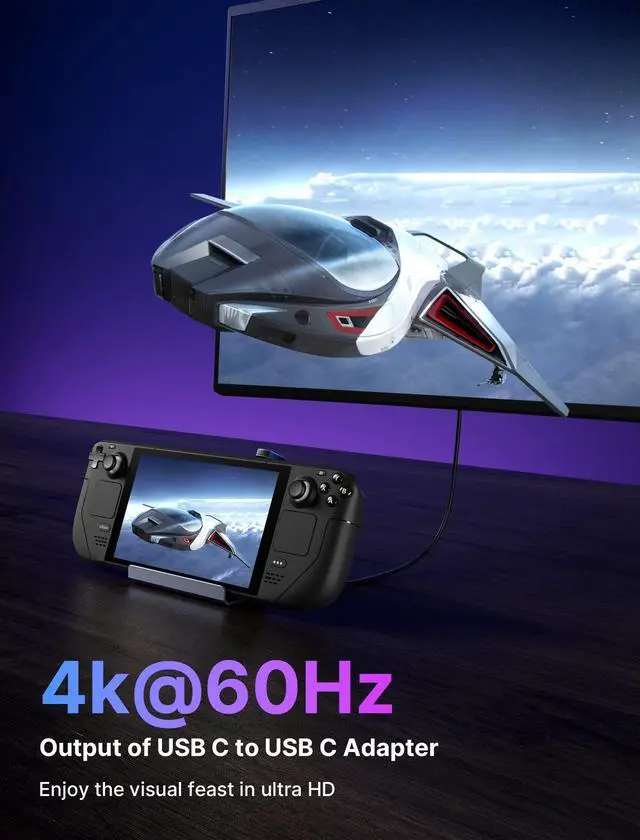
USB C to USB C Video Transmission
4K/60Hz/10bit/4:4:4
4K/60Hz/12bit/4:2:0
2K/120Hz/12bit/4:4:4HDR


Important Note
- Please be sure to insert the bottom when using and you will hear a click to indicate insertion
- 2 Pack : USB C Male to USB C Female Adapter * 1, USB C Male to USB A Female Adapter * 1
- For Switch : Charging / Controller / Audio / USB Camera Only — Not Compatible with Switch Video Output
- For Steam Deck : Please use the USB C Male to USB C Female to charge your Steam Deck. (The USB C Male to USB A Female cannot be used for Steam Deck charging)
- For ROG Ally : Please connect the charging cable first, then plug into the ROG Ally - This USB C Adapter can turn on the 25W turbo mode on the ROG Ally.
- Case : Legion Go / ROG Ally does not compatible with case

Enter the Steam game platform: Settings - Controller - GENERAL CONTROLLER SETTINGS

Check: Gulde Button Focuses steam & PlayStation Configuration support & xbox Configuration Support &
Switch Configuration Support & Use Nintendo Button Layout & Combine Pairs of JoyPadControllers & Generic Gamepad Configuration Support
JSAUX 180 Degree USB C to USB C & USB C to USB A Adapter


This USB C to USB Adapter with an innovative 180 degrees U shape design, is much more comfortable for playing games when you lie on bed while charging.

USB C to USB C Video Transmission
4K/60Hz/10bit/4:4:4
4K/60Hz/12bit/4:2:0
2K/120Hz/12bit/4:4:4HDR


Important Note
- Please be sure to insert the bottom when using and you will hear a click to indicate insertion
- 2 Pack : USB C Male to USB C Female Adapter * 1, USB C Male to USB A Female Adapter * 1
- For Switch : Charging / Controller / Audio / USB Camera Only — Not Compatible with Switch Video Output
- For Steam Deck : Please use the USB C Male to USB C Female to charge your Steam Deck. (The USB C Male to USB A Female cannot be used for Steam Deck charging)
- For ROG Ally : Please connect the charging cable first, then plug into the ROG Ally - This USB C Adapter can turn on the 25W turbo mode on the ROG Ally.
- Case : Legion Go / ROG Ally does not compatible with case
Enter the Steam game platform: Settings - Controller - GENERAL CONTROLLER SETTINGS
Check: Gulde Button Focuses steam & PlayStation Configuration support & xbox Configuration Support &
Switch Configuration Support & Use Nintendo Button Layout & Combine Pairs of JoyPadControllers & Generic Gamepad Configuration Support
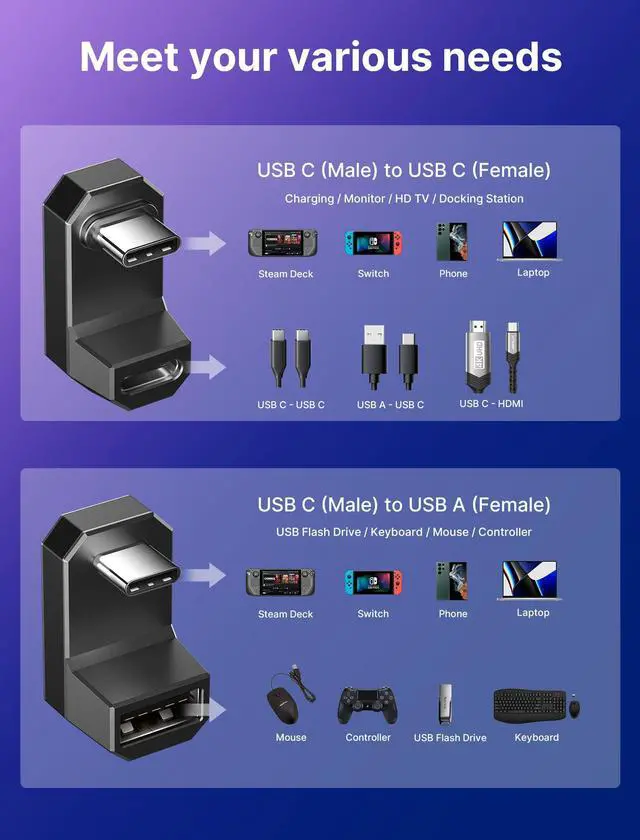
| Adapter 1 (DD0009) | USB C Male to USB C Female Adapter |
|---|---|
| Max Output | 20V/5A 100W |
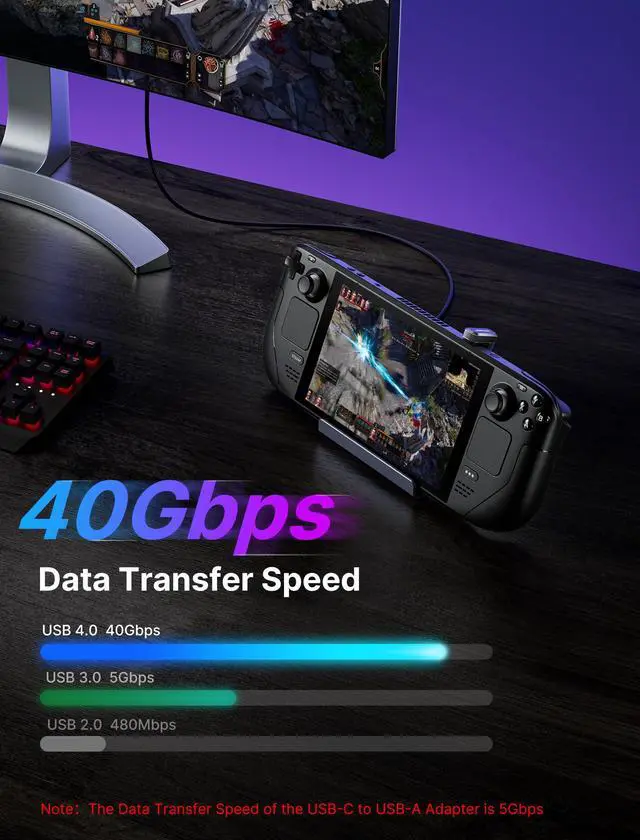
| Date transfer | USB 4.0/40Gbps |
| Video Transmission | 4K@60Hz/3D |
| Adapter 2 (DD0010) | USB C Male to USB A Female Adapter |
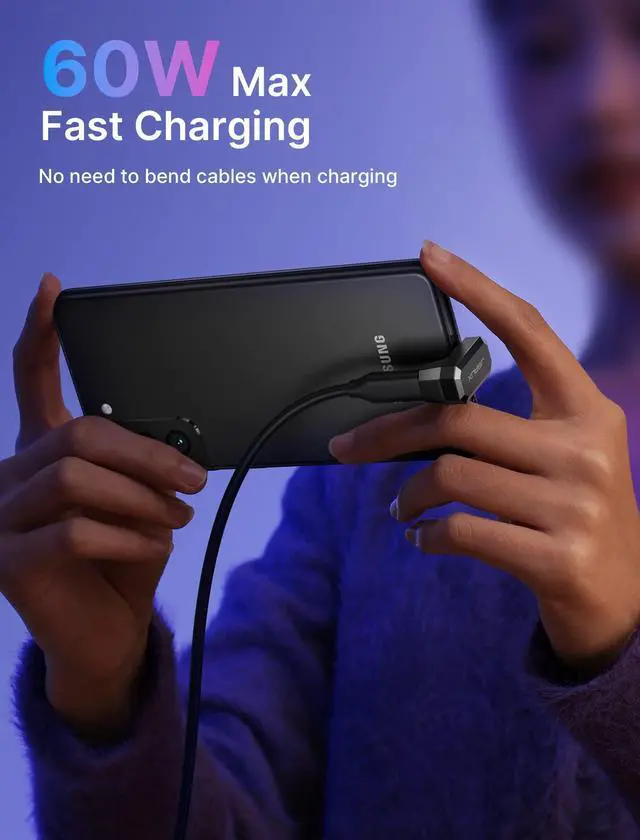
| Max Output | 20V/3A 60W |
| Date transfer | USB 3.0/5Gbps |
| Video Transmission | x |
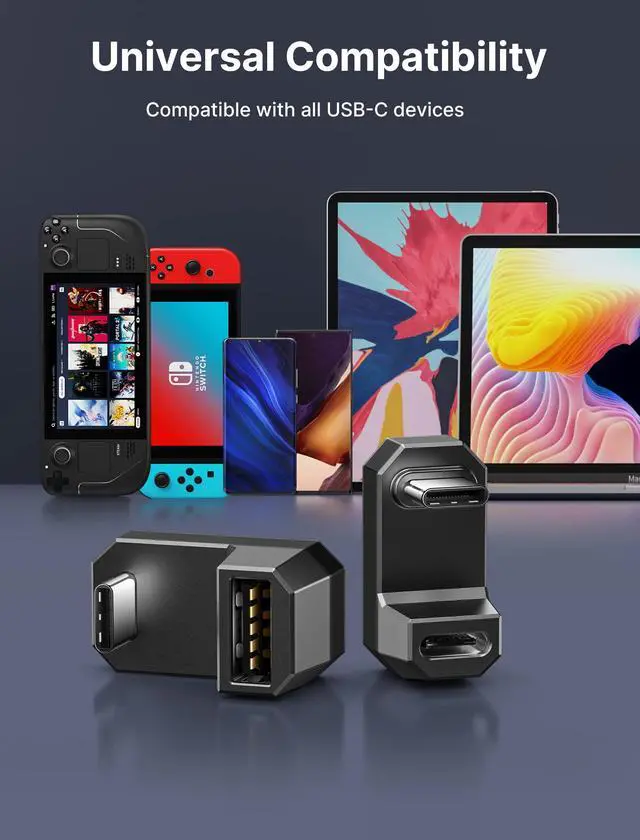
| Compatible Devices | compatible with ROG Ally, Steam Deck, Nintendo Switch, legion go, Samsung Galaxy, Google Pixel, iPad, Kindle, MacBook, Samsung Galaxy Book, ect. |
| Important Note for Switch | Due to hardware restrictions and encryption in the Switch system, this USB C adapter (like all similar products on the market) does not support video output. It only supports charging, connecting controllers, audio devices or USB cameras. |
Steam Deck Accessories
Steam Deck Accessories
Steam Deck Accessories
Steam Deck Accessories
Steam Deck Accessories
Steam Deck Accessories
Steam Deck Accessories
Steam Deck Accessories
Steam Deck Accessories
Steam Deck Accessories
Steam Deck Accessories
Steam Deck Accessories
Steam Deck Accessories
Steam Deck Accessories