• $92.49
  • Free 30-day Returns
  • Ships from China.
    Price alert
    Shop it at NeweggBusiness.

    Meet Your Seller

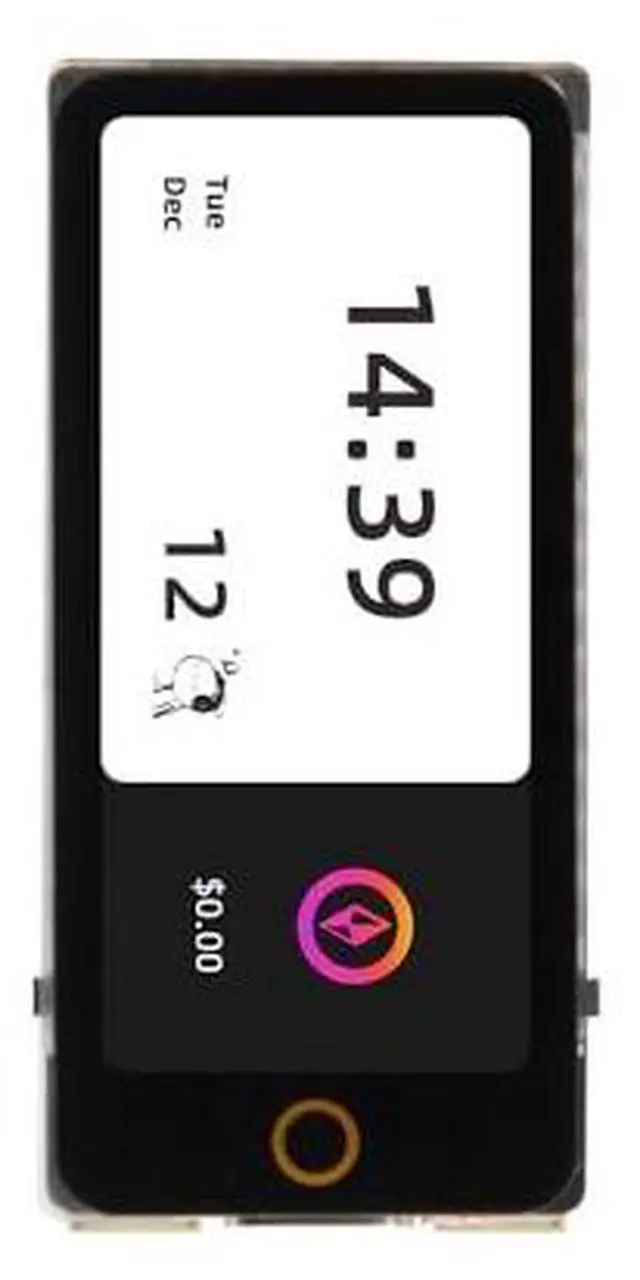
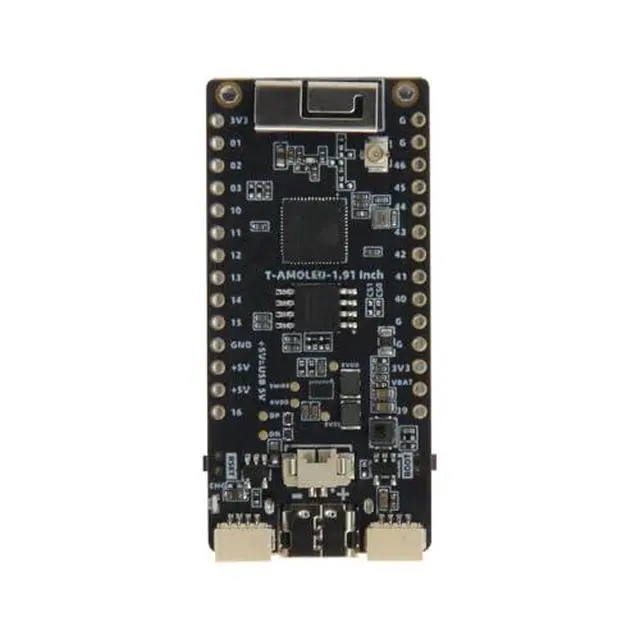
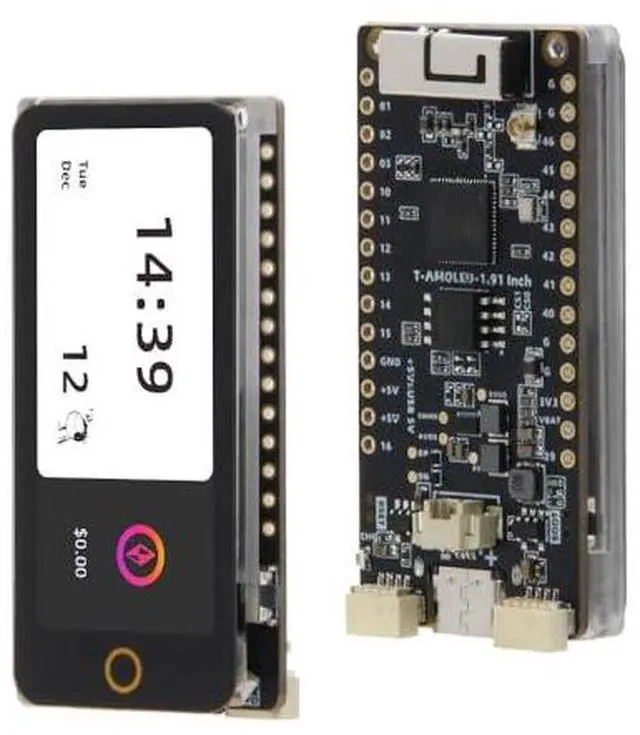
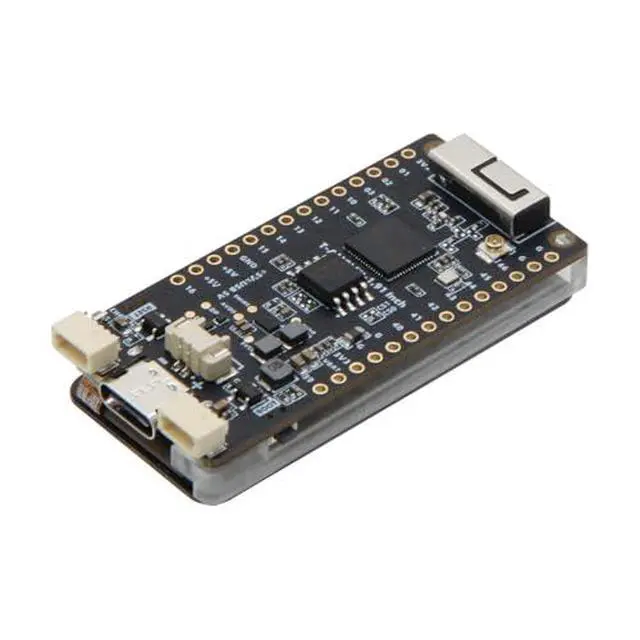
    LILYGO T-Display-S3 AMOLED ESP32-S3 with 1.91 Inch RM67162 Touchable Display TTGO Development Board Wireless Module (Unsoldered Pin Version)

    • ESP32-S3 ChipsetThe board is powered by the ESP32-S3 chip, which combines the performance of a high-end CPU and the flexibility of a low-power microcontroller. This powerful processor allows for smooth operation and efficient power management.
    • DisplayThis development board features a 1.9 inch AMOLED display, providing excellent color accuracy and contrast for a captivating visual experience. The high-resolution display allows for crisp and detailed content display
    • ConnectivityThe WIFI Bluetooth 5.0 wireless module enables seamless connectivity, allowing for easy data transmission and remote control functionalities. This development board is ideal for IoT projects and supports multiple connectivity option
    • DevelopmentDesigned for developers, this board offers a wide range of development options, including an extensive library of code snippets and examples to facilitate the creation of custom applications. The development board also supports various programming languages, makin
    +
    +
    Overview
    Specs
    Reviews
    avatar

    Any questions? Our AI beta will help you find out quickly.

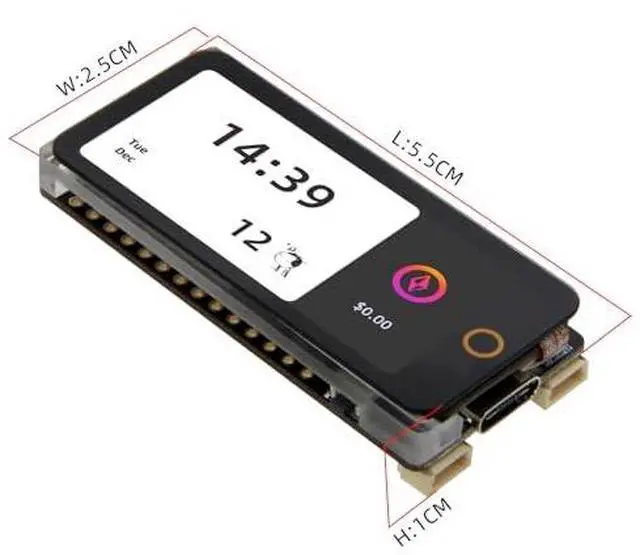
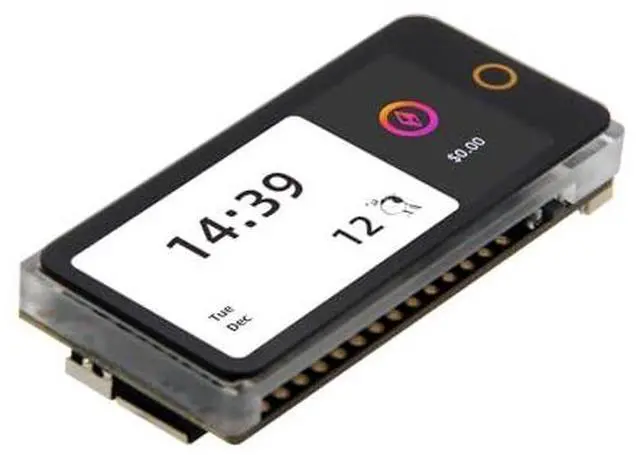
    Product description product display Product Parameter This version has a touchable screen. The T-Display-S3 AMOLED is an upgraded development board from the T-Display-S3, featuring the first ESP32-S3+AMOLED combination. It has upgraded from an LCD to an AMOLED display, providing better color display. Additionally, it has upgraded from an SPI to a QSPI interface for faster speed, and from an onboard antenna to a 3D antenna for an improved WiFi and Bluetooth experience.
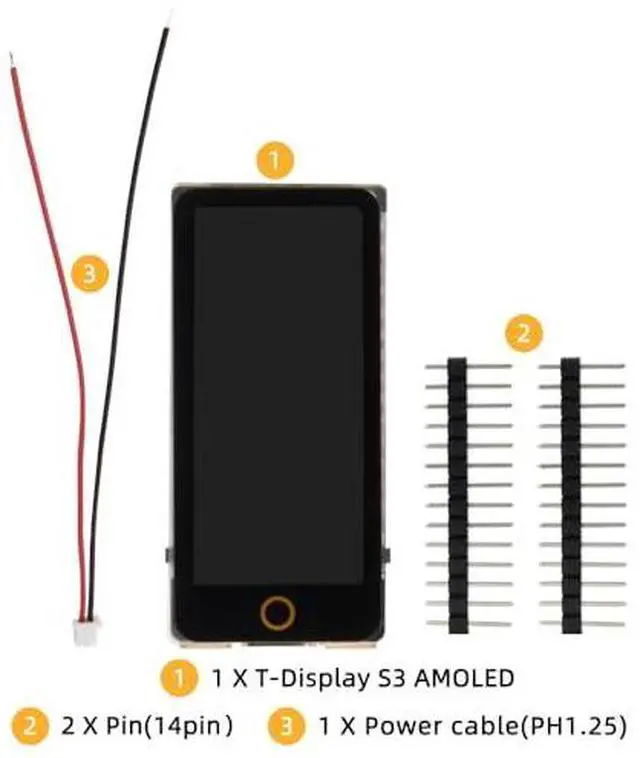
    Github: github. com/Xinyuan-LilyGO/T-Display-S3-AMOLED PIN MAP FAQ The board uses USB as the JTAG upload port. When printing serial port information on USB_CDC_ON_BOOT configuration needs to be turned on. If the port cannot be found when uploading the program or the USB has been used for other functions, the port does not appear. Please enter the upload mode manually. Connect the board via the USB cable Press and hold the BOOT button, While still pressing the BOOT button, press RST Release the RST Release the BOOT button Upload sketch T-Display-S3 AMOLED Touch soldered Pin 1 X T-Display S3 AMOLED 1 X Power cable (2pin PH 1.25 ) T-Display-S3 AMOLED Touch Unsoldered Pin 1 X T-Display S3 AMOLED (Touch Ver. ) 2 X Pim (14pin) 1 X Power cable (2pin PH 1.25 )

    Warranty & Returns

    Warranty, Returns, And Additional Information

    Warranty

    • Please contact the Seller directly for warranty information. Warranty information may also be found on the Manufacturer's website.
    • CONTACT

    Return Policies

    Manufacturer Contact Info

    LOADING...