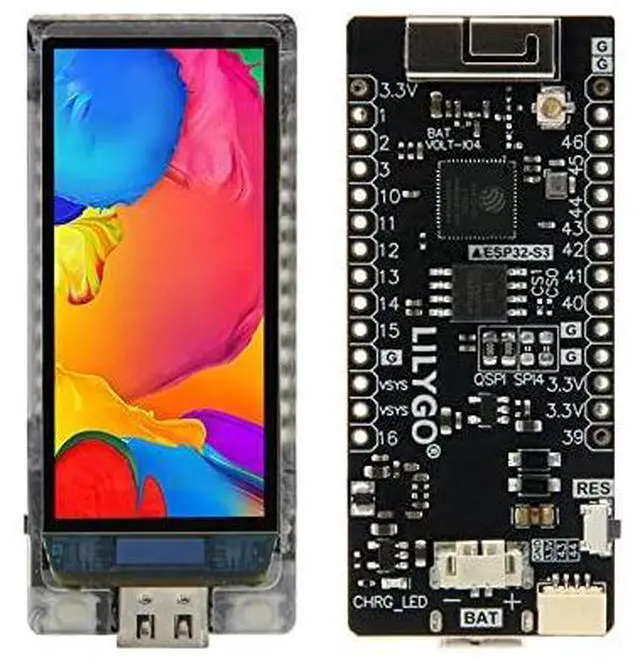
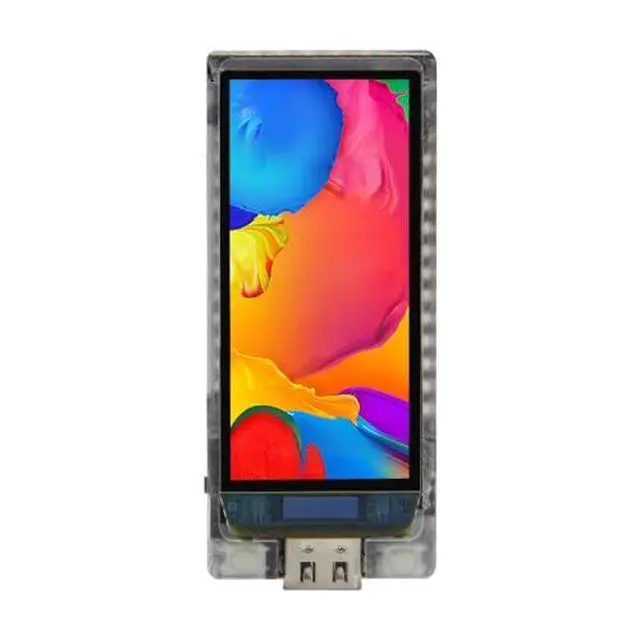
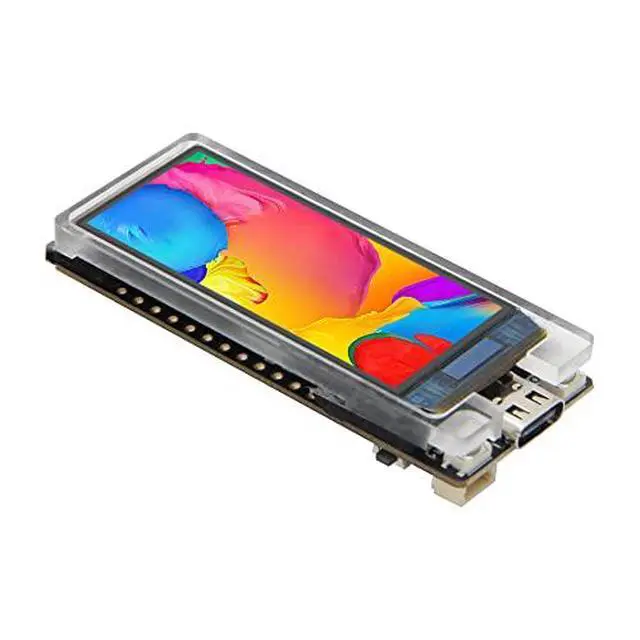
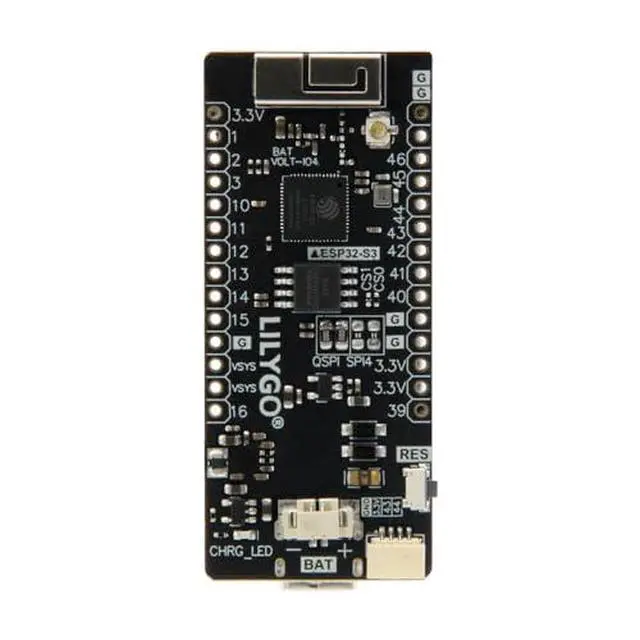
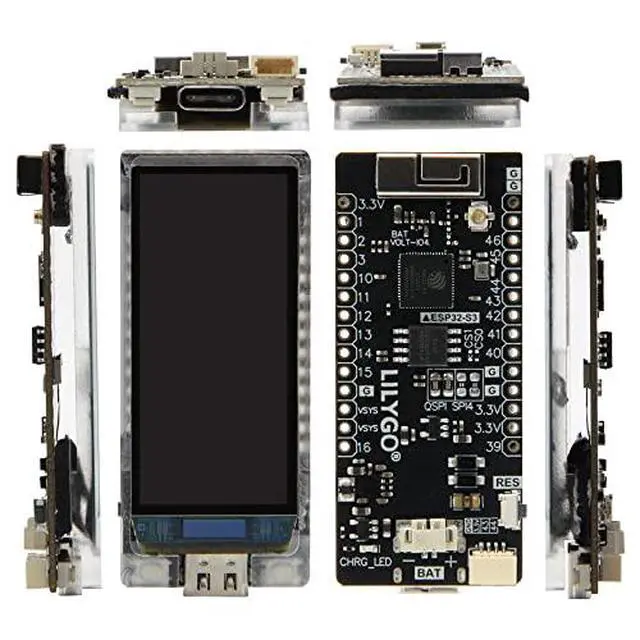
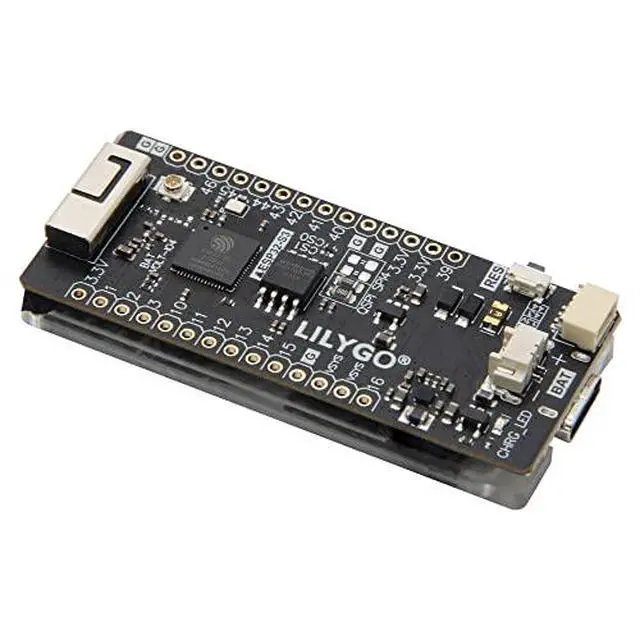
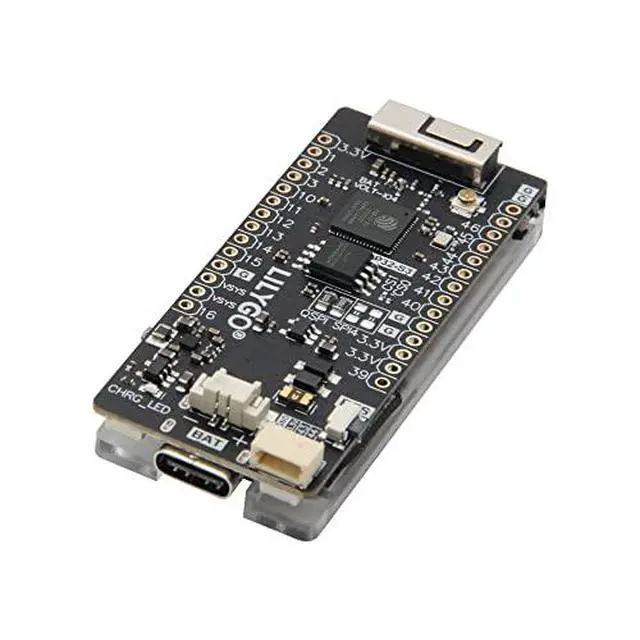
Product description Product Description T-Display-S3-AMOLED is an ESP32-S3 development board. Equipped with a new AMOLED high-resolution color LCD screen and 2 programmable keys. Communication adopts SPI or QSPI interface. Keep the same layout design as T-Display. You can directly use ESP32S3 for USB communication or programming. For more product programming information, please refer to
Github: github. com/Xinyuan-LilyGO/T-Display-S3-AMOLED Product Pin Diagram Quick Start The board uses USB as the JTAG upload port. When printing serial port information on USB, CDC_ON_BOOT configuration needs to be turned on. If the port cannot be found when uploading the program or the USB has been used for other functions, the port does not appear. Please enter the upload mode manually. Press and hold the BOOT button when the power is off, the button is located behind the RST button. When the USB is connected, first press and hold the BOOT button, then click reset and then release the BOOT button Shipping List 1 X T-Display S3 AMOLED 2 X Pin (14pin) 1 X Power cable2 pin PH 1.25 mm Shipping List 1 X T-Display S3 AMOLED 1 X Power cable2 pin PH 1.25 mm product size Tips Use board as delivered. Connect board to usb to computer without touching anything else. Upload the code. The code will start right after download and run. Unplug the board and connect to usb again. The board will not do anything. Use board as delivered. Push down boot button.
While boot button is pushed, connect usb to computer. Release boot button. Upload the code. The code will not start right after download. Nothing will happen. Unplug the board and connect to usb again. The board will now boot the code. Unplug the board from USB to computer and connect to other power source like LiPO battery. Again the board will start the code. The computer is not needed again. New code can be loaded to the board by going to step 1 or 2. Both will still work. Parameter comparison The AMOLED screen features vibrant colors, lower power consumption, and the ability for individual pixels to light up. The 4-bit QSPI support provides a more efficient data transmission. There are two ways to drive the screen. One is the traditional SPI (CS, MOSI, SCLK, DC) interface. One is to use the QSPI method (CS, SCLK, D0, D1, D2, D3). The QSPI method can increase the driving speed by four times compared with the SPI. to fit the larger screen.
See More