
Your Browsing History

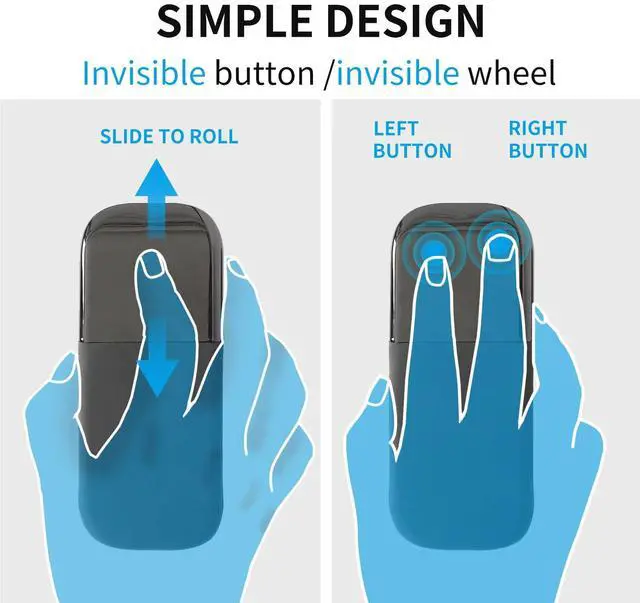
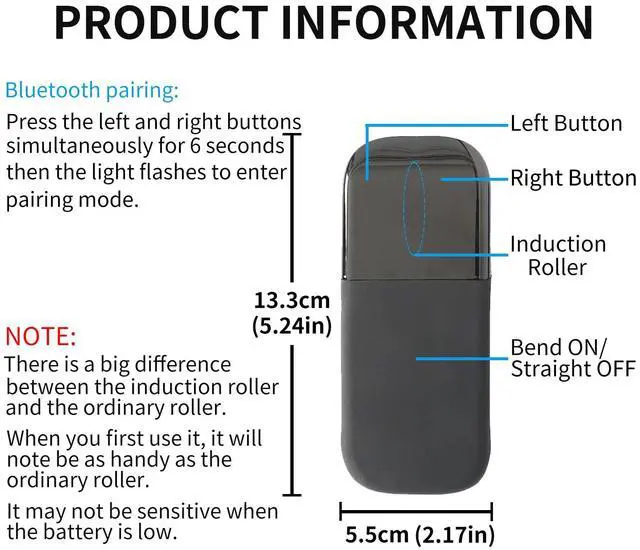
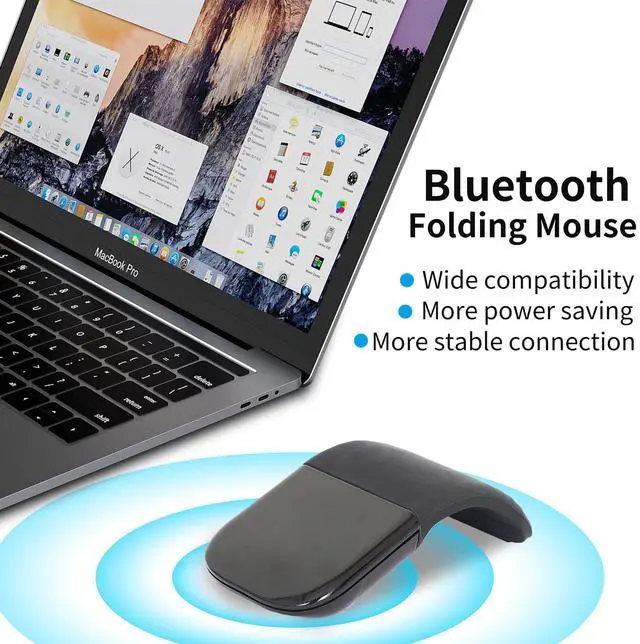



Any questions? Our AI beta will help you find out quickly.
Pair your mouse with your Device:
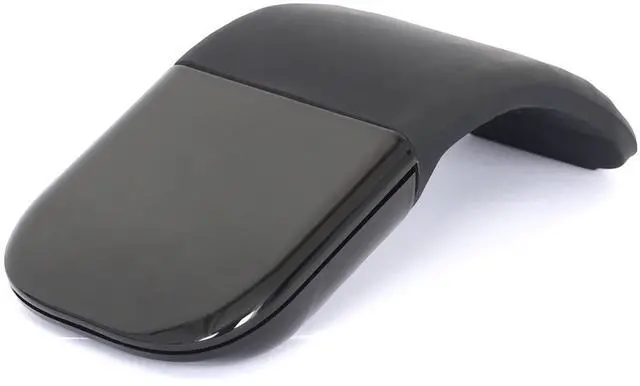
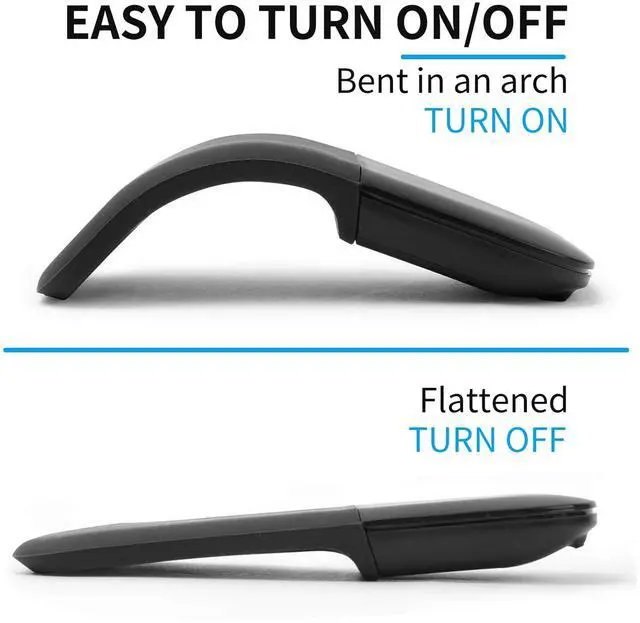
1. Put into the battery, bend the mouse.
2. Press and hold both left and right buttons simultaneously for 6 seconds. The light on the bottom of the mouse blinks slowly on and off until your Device successfully discovers your mouse.
3. Open your computer SettingDeviceadd bluetooth mouse
4. The computer will search our mouse. After it find out the named as 'Bluetooth4.0 Mouse', click to connection, then the mouse can work.
The packaging Includes:
1 x Bluetooth Mouse
1x User Manual
Specifications:
-Scrolling Type: Touch Scroll
-Connection style: Bluetooth 4.0
-DPI: 1200
-Hand Orientation: Left and Right
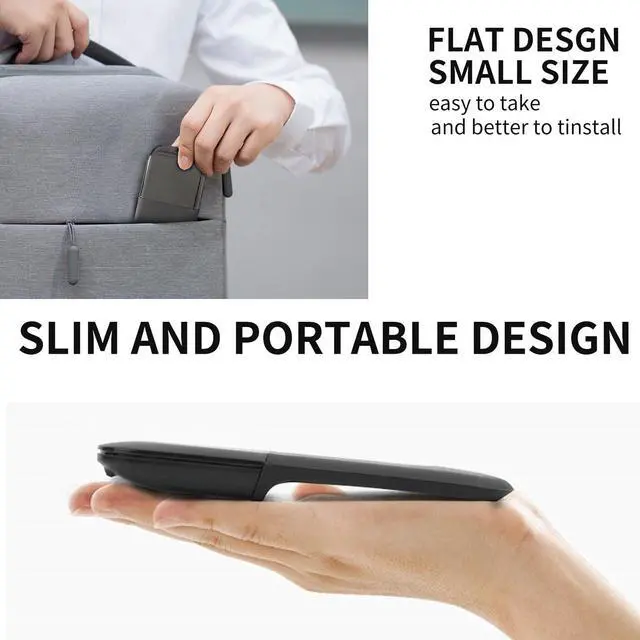
-Mouse Size: 126.5*56.5*16.5 mm
-Power Supply: 2*AAA battery (not included)
-Weight: 45g
-Application: PC, Laptop, Tablet
-Wireless transmi ssion distance: 10m
-Wireless carrier frequency: 2404MHz 2480MHZ
-Rated Operating Current: 8-15MA@3V.
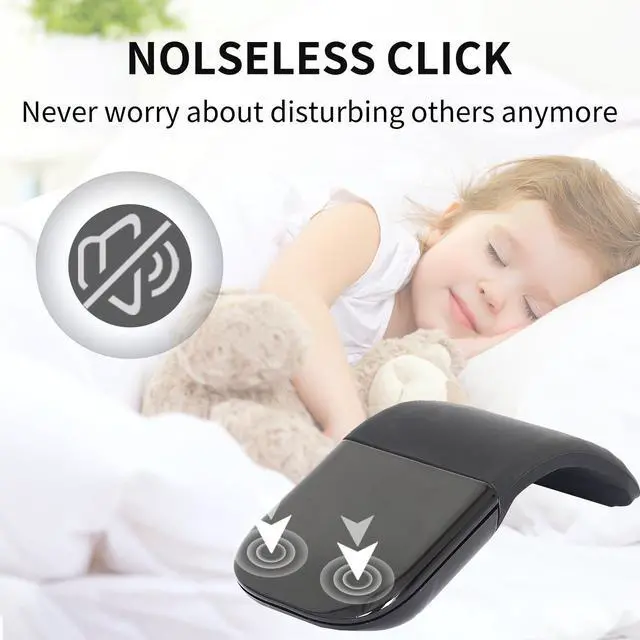
-The key stroke: 0.8mm.
-The strength of button: 60-70±10g
-Buttons life: 3 million times.