


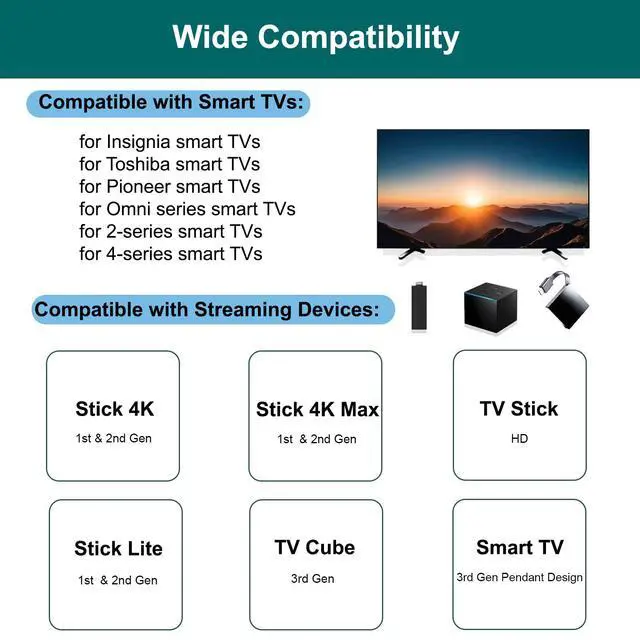
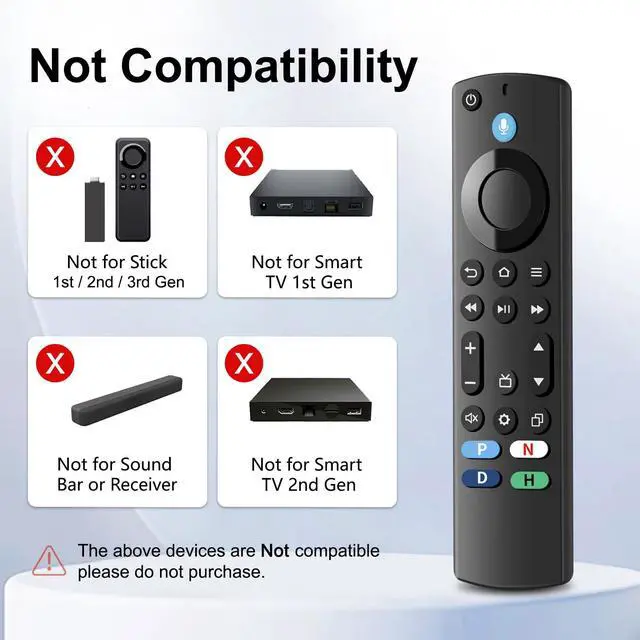


Important information: Our remote control products are not compatible with TV stick (1st, 2nd, 3rd Gen), TV stick 4K select, soundbar, other receiver. On TV Stick 3rd Gen (2020) and TV Stick 4K Select (2025), a system update may cause IR sync issues, which can disable the power, volume and mute buttons.
QA: If the VOLUME+/-, MUTE, and Power buttons don't work after pairing the new remote with the TV stick or cube, how can I solve the problem?
A: Press the HOME button first, then navigate to Settings at the top of the Screen, then select: > Equipment Control > Manage Equipment> TV > Change TV.
Follow the prompts on the TV screen to learn the functions. Once learning is complete, the mentioned keys should work.


About Us
With the rapid development of technology today, the remote control is no longer just a control tool, but an indispensable intelligent assistant in family life.
Luyeper, a brand committed to providing high-quality TV remote control, has always been to improve people's lives for the purpose of service, aiming to bring convenient, comfortable and intelligent life experience to every family.
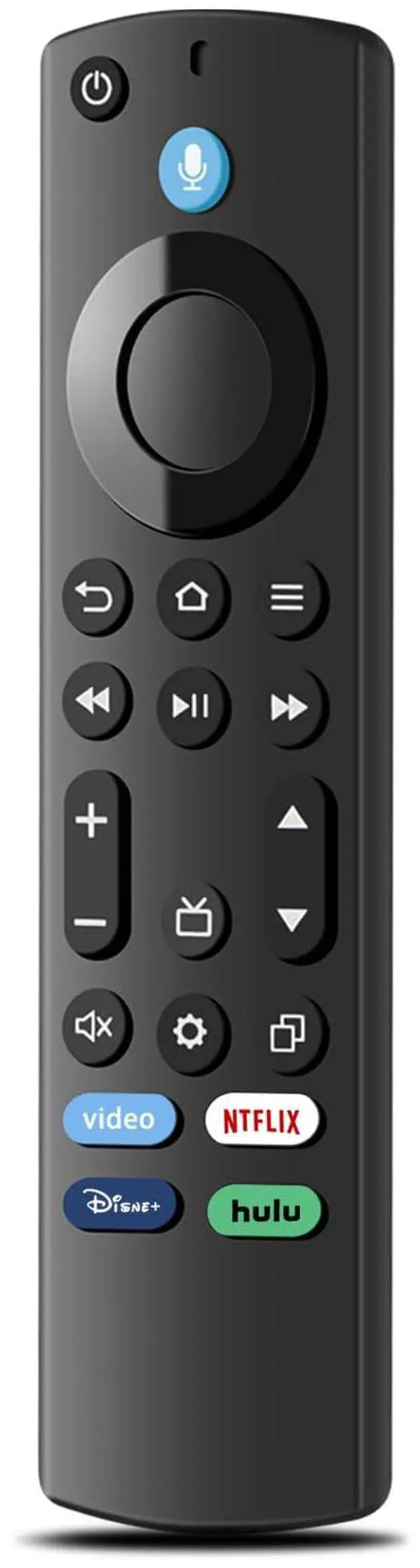
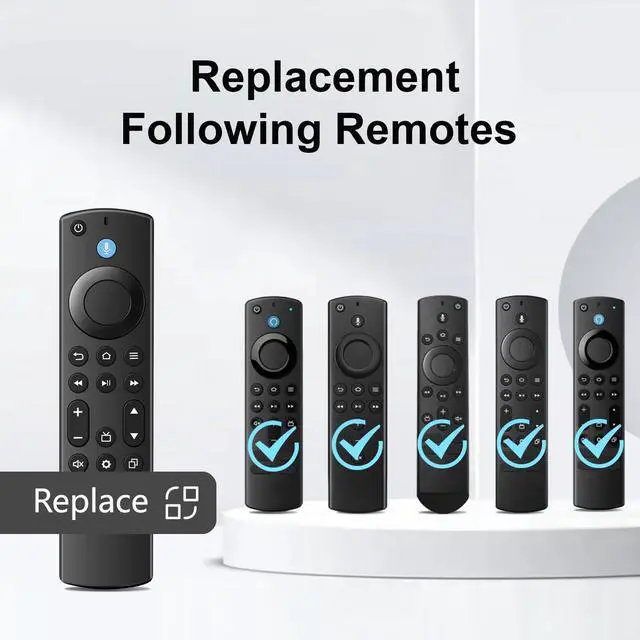
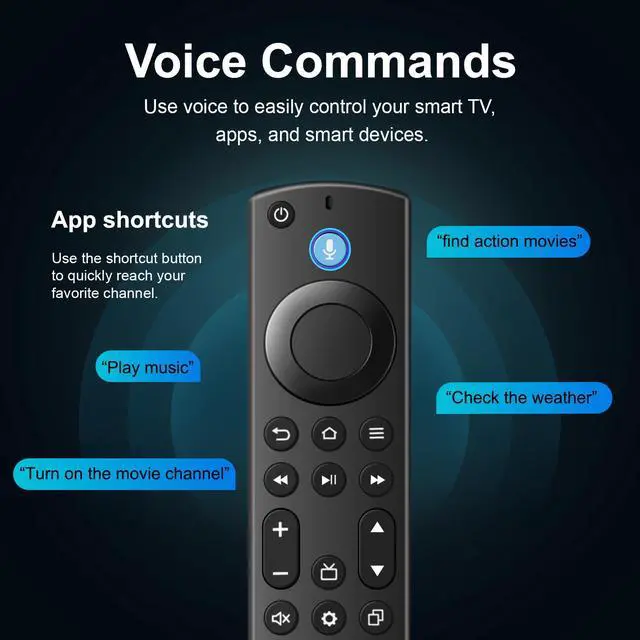
Replacement TV Remote Control
Get the LUYEPER remote to make controlling your TV better and easier
Why choose Luyeper?
Luyeper will provide you with high-quality products, competitive price, high-quality after-sales service.
What after-sales service can Luyeper provide?
24 hour online service, if you have any questions.
Is the product of good quality?
We are committed to delivering premium quality products to enhance your shopping experience.
Important information: Our remote control products are not compatible with TV stick (1st, 2nd, 3rd Gen), TV stick 4K select, soundbar, other receiver. On TV Stick 3rd Gen (2020) and TV Stick 4K Select (2025), a system update may cause IR sync issues, which can disable the power, volume and mute buttons.
QA: If the VOLUME+/-, MUTE, and Power buttons don't work after pairing the new remote with the TV stick or cube, how can I solve the problem?
A: Press the HOME button first, then navigate to Settings at the top of the Screen, then select: > Equipment Control > Manage Equipment> TV > Change TV.
Follow the prompts on the TV screen to learn the functions. Once learning is complete, the mentioned keys should work.
About Us
With the rapid development of technology today, the remote control is no longer just a control tool, but an indispensable intelligent assistant in family life.
Luyeper, a brand committed to providing high-quality TV remote control, has always been to improve people's lives for the purpose of service, aiming to bring convenient, comfortable and intelligent life experience to every family.
Replacement TV Remote Control
Get the LUYEPER remote to make controlling your TV better and easier
Why choose Luyeper?
Luyeper will provide you with high-quality products, competitive price, high-quality after-sales service.
What after-sales service can Luyeper provide?
24 hour online service, if you have any questions.
Is the product of good quality?
We are committed to delivering premium quality products to enhance your shopping experience.