• S$34.87
  • GST-Inclusive Price
Ships from Hong Kong.
Most customers receive within 10-17 days.
Sold by Nexbyte

Shipped by Nexbyte

Shop it at NeweggBusiness.

Meet Your Seller

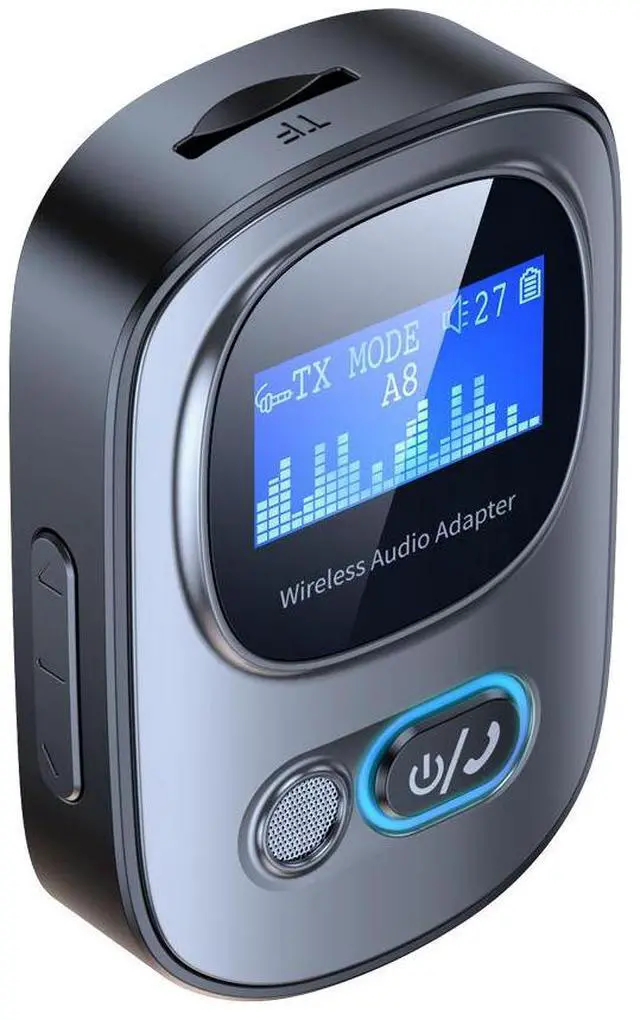
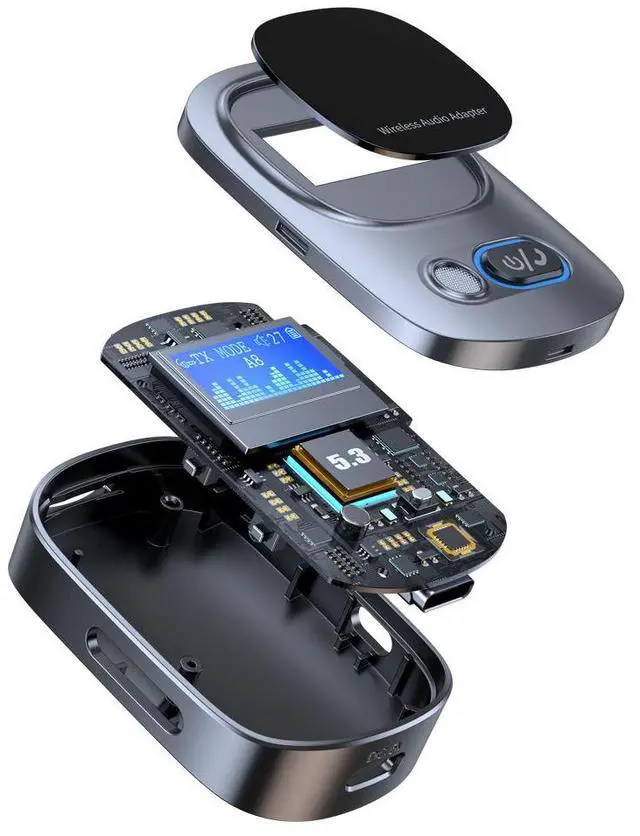
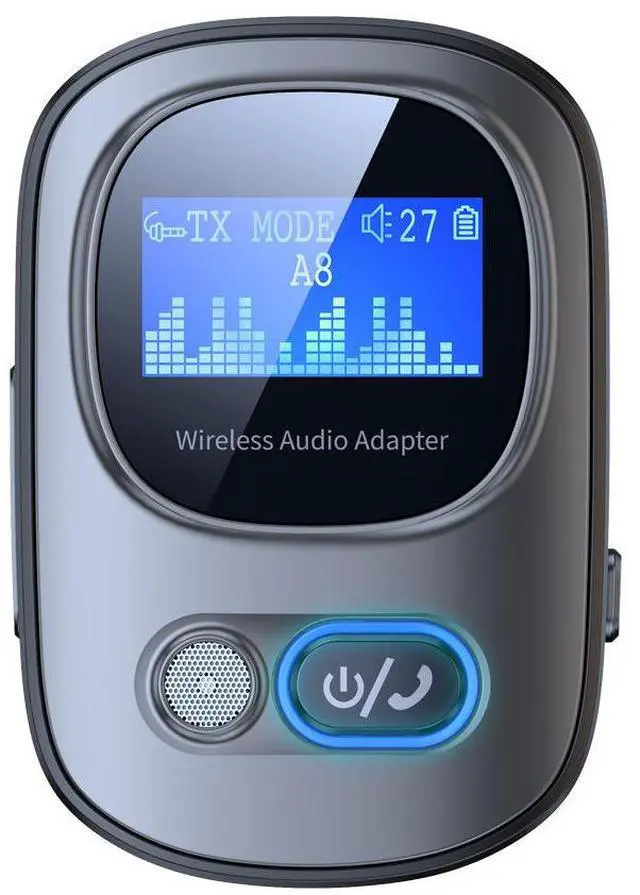
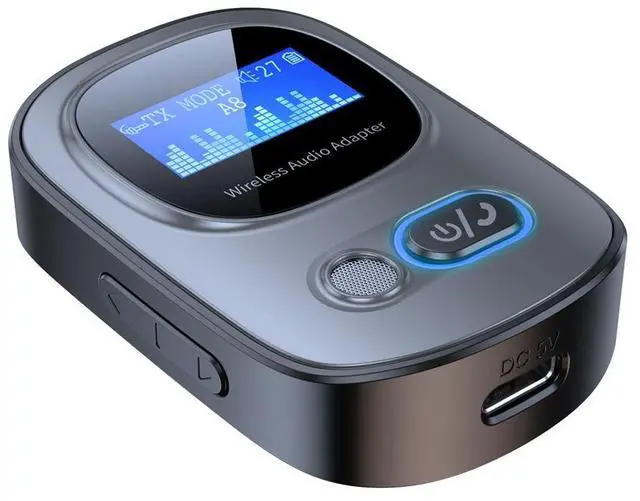
T68 2 In1 BT 5.3 Audio Receiver Transmitter Wireless Stereo Music Adapter Support TF Card Play With LCD Screen for TV Car

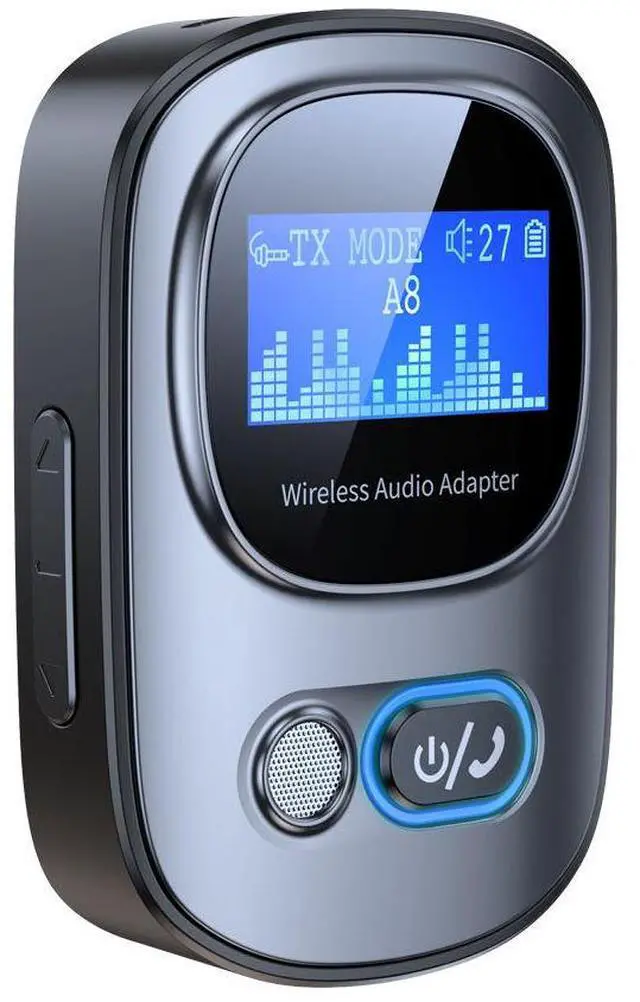
  • 1.Equipped with LED displayReal time display of usage status
  • Wireless display, battery level display, and volumedisplay can all be displayed on the screen,Large screen viewing is more convenient,and the usage status is clear at a glance.
  • 2.Speaker/amplifier becomeswireless in secondsMobile phone/computer wirelessconnection active speaker
  • The active speaker instantly upgrades the wirelessspeaker, breaking free from the constraints of wired,Use adapter reception mode, plug and play, andlisten to music more comfortably without stuttering!
  • *Automatic reconnection upon second use of power on
  • 3.Speaker/amplifier becomeswireless in secondsMobile phone/computer wirelessconnection active speaker
  • The active speaker instantly upgrades the wirelessspeaker, breaking free from the constraints of wired,Use adapter reception mode, plug and play, andlisten to music more comfortably without stuttering!
  • *Automatic reconnection upon second use of power on
  • 4.Speaker/amplifier becomeswireless in secondsMobile phone/computer wirelessconnection active speaker
  • The active speaker instantly upgrades the wirelessspeaker, breaking free from the constraints of wired,Use adapter reception mode, plug and play, andlisten to music more comfortably without stuttering!
  • *Automatic reconnection upon second use of power on
  • 5.Install a wirelessconnection for the TVConnect wirelessheadphones/speakers
  • Upgrading old-fashioned televisions to wireless,Connect wireless headphones/speakersWireless TV series and watching b
+
+
Overview
Specs
Reviews

Simply connect in three steps

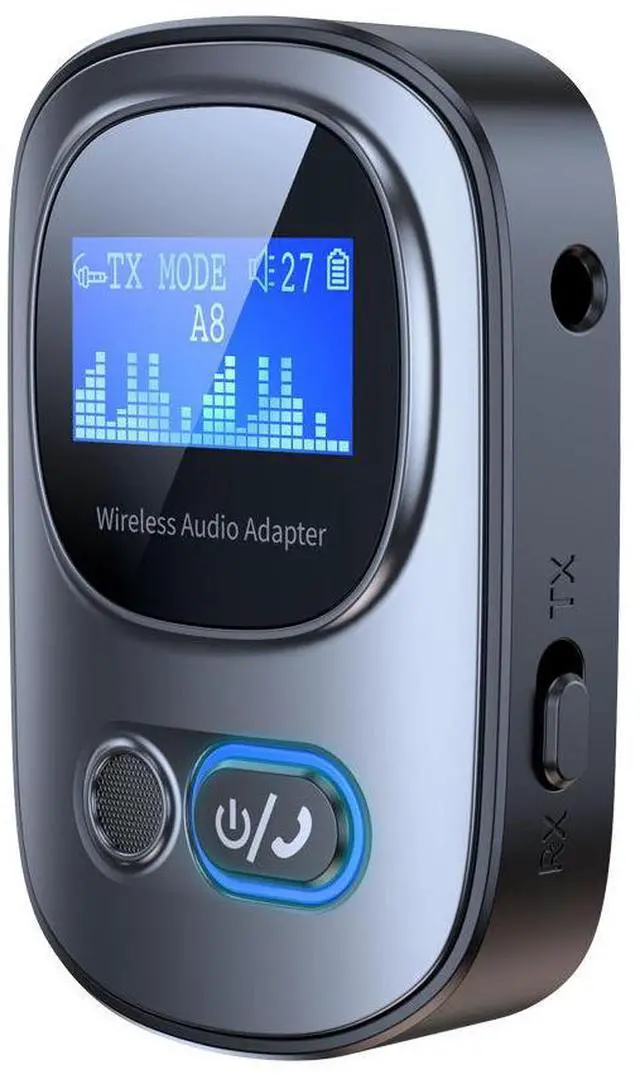
(1)Connect the AUX interface of the product to the device and select thedesired mode:

Transmit Mode (TX), Receive Mode (RX)Press and hold the power button for about 3 seconds, and the indicator lisand display screen will light up. The wireless icon above the display screerwill flash, indicating that the product is turned on and in a waiting state fpairing.

(2)Receive mode (RX):

Turn on mobile wireless, search for "T68", and click Connect.Transmission mode (TX):

Turn on the wireless headphones/audio system and enter the waiting staThe display screen will display the name of the wireless device to be pairePress the up and down buttons on the left to select the device to be paireand press the phone button to confirm. Pairing is complete.

(3)Receive mode (RX):Voice prompt "Wireless connection successful",wireless icon stops flashing, pairing completedTransmission mode (TX):

Phone name displayed on screen, pairing successful

Warranty & Returns

Warranty, Returns, And Additional Information

Return Policies*

  • Return for refund within: 30 days
  • Return for replacement within: non-replaceable
  • This item is covered by Nexbyte Return Policy
  • *Subject to applicable law
  • Warranty Notice:

    This product does not include manufacturer warranty when purchased or used outside of its designated sales region. By purchasing internationally, you acknowledge that warranty support from the manufacturer will not be available.

Manufacturer Contact Info

LOADING...