
Your Browsing History

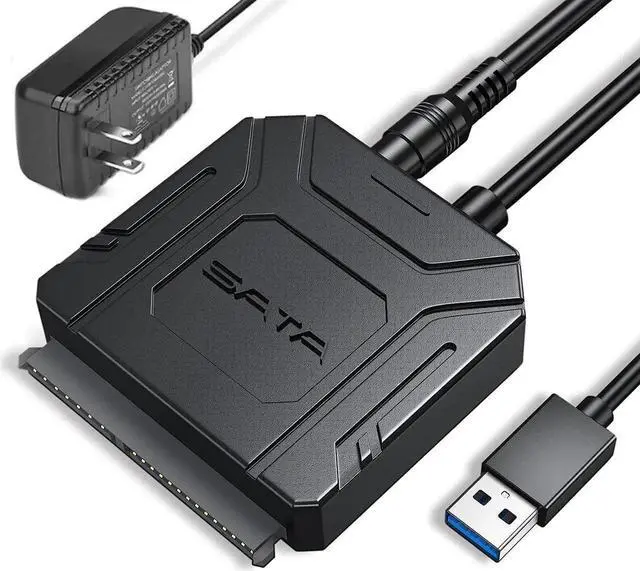
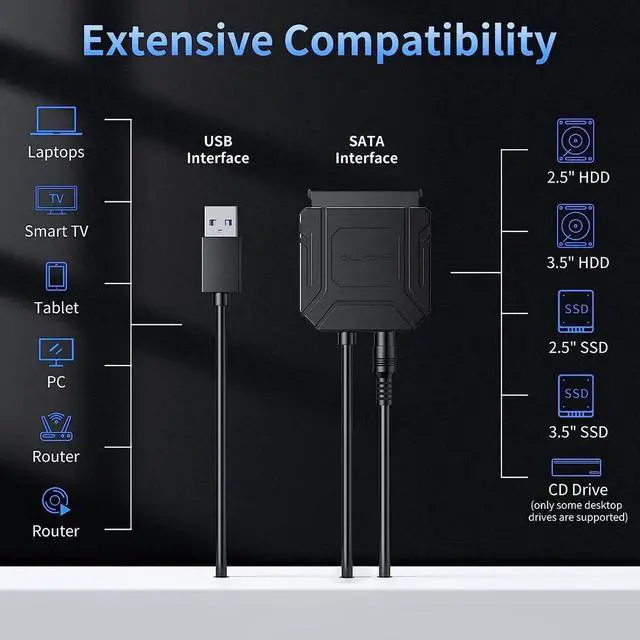
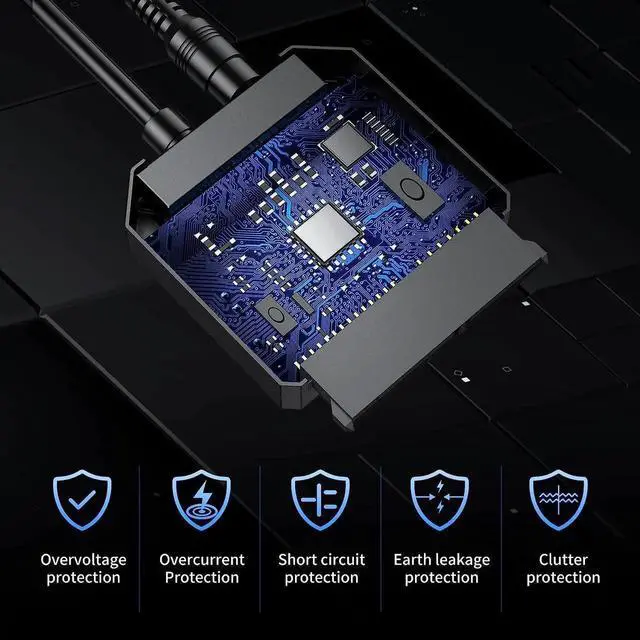
Shipped by SongFengQiaoMaoYiShangDian



1. Do not move or hit the hard drive and adapter during use.
2. Storage temperature: -10~85°C
3. Do not tighten the product with external force.
4. Laymen are not allowed to disassemble the product for self-repair.
5. When removing the hard drive, make sure the hard drive is ejected safely to prevent damage to the hard drive.
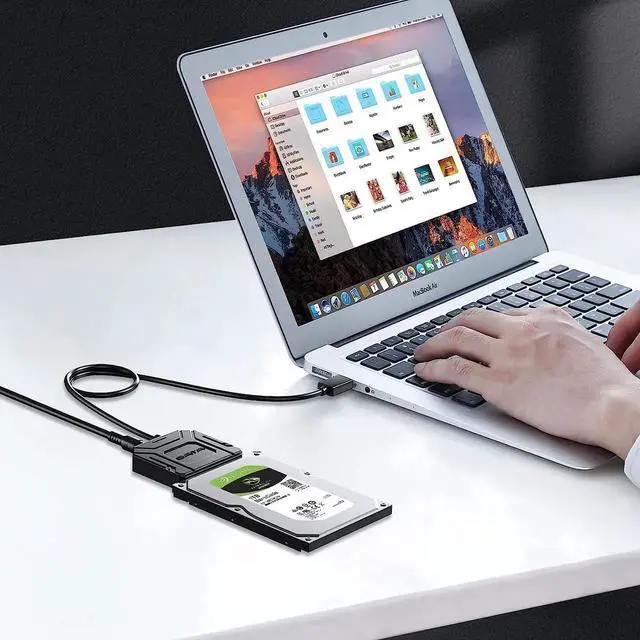
6. If it is a Mac notebook operating system, you need to format the exFAT disk.
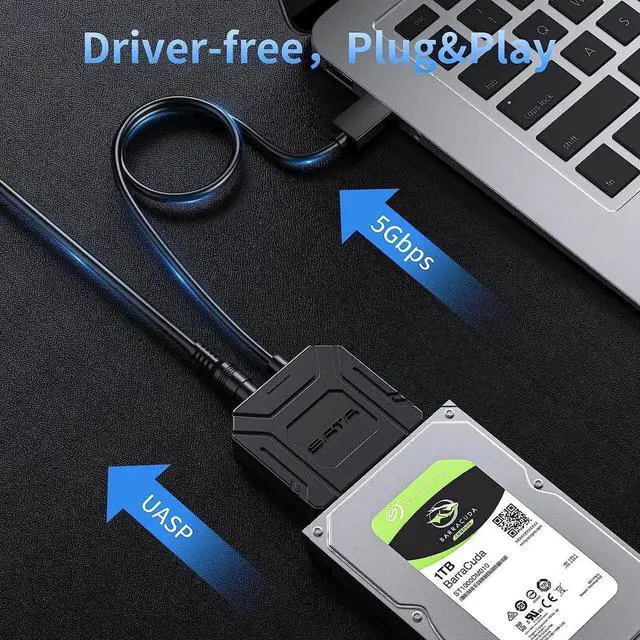
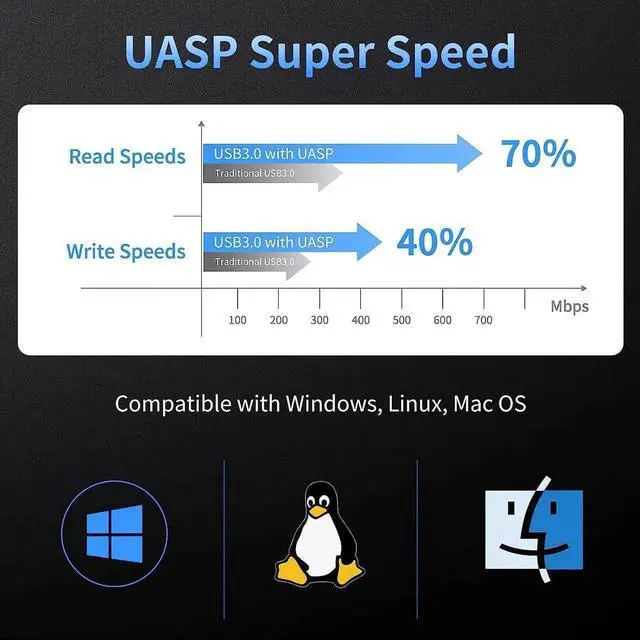
7. If a high transfer speed is required, be sure to use the USB 3.0 interface and install the driver properly.
8. To avoid data loss, we recommend that you safely remove the hard drive before disconnecting the USB hard drive.
Warranty Notice:
This product does not include manufacturer warranty when purchased or used outside of its designated sales region. By purchasing internationally, you acknowledge that warranty support from the manufacturer will not be available.