
Your Browsing History

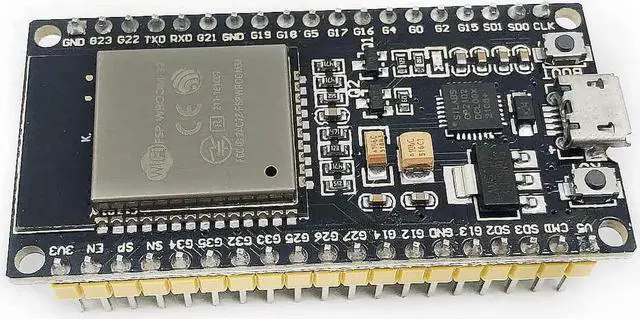
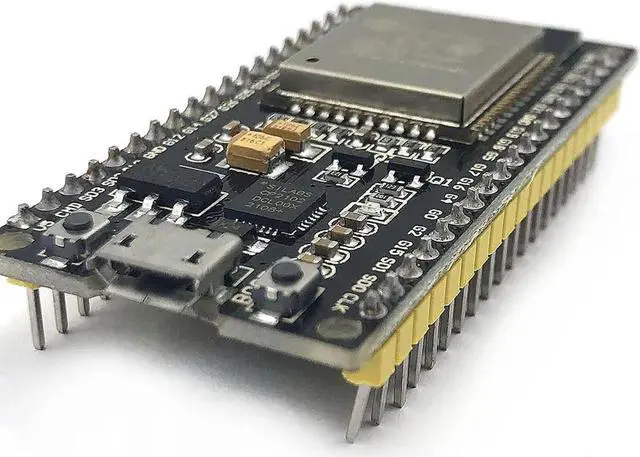
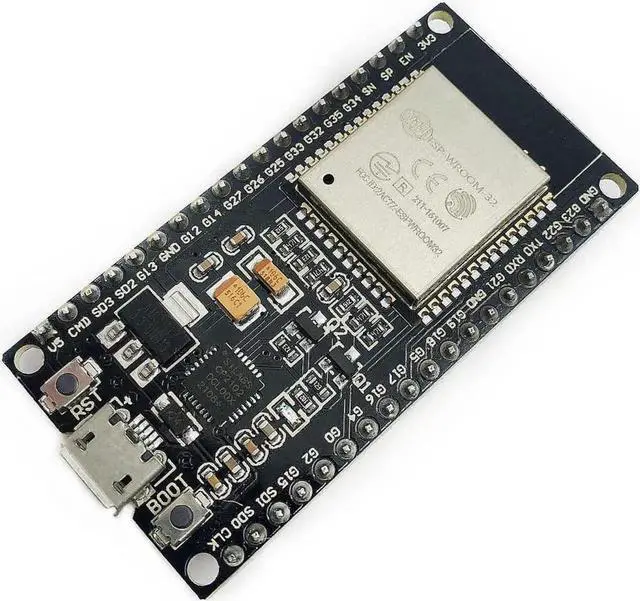



Instruction & Steps of
How to use:
1. Download the Arduino IDE, the latest version.
2. Install the IDE
Preferences and copy the URL below to get the
ESP board manager extensions: arduino. esp8266. com/stable/package_esp8266com_index. json
Type "esp8266" and download the Community esp8266 and install.
921600 ToolsPort (whatever it is)
6. Download and run the 32 bit flasher exe at Github(Search for nodemcu/nodemcu-flasher/tree/master/ at Github) github. com/nodemcu/nodemcu-flasher/tree/master/Win32/Release Or download and run the 64 bit flasher exe at: github. com/nodemcu/nodemcu-flasher/tree/master/Win64/Release
BLINK, it will start blinking.
Find answers in product info, Q&As, reviews
Warranty Notice:
This product does not include manufacturer warranty when purchased or used outside of its designated sales region. By purchasing internationally, you acknowledge that warranty support from the manufacturer will not be available.