
Your Browsing History

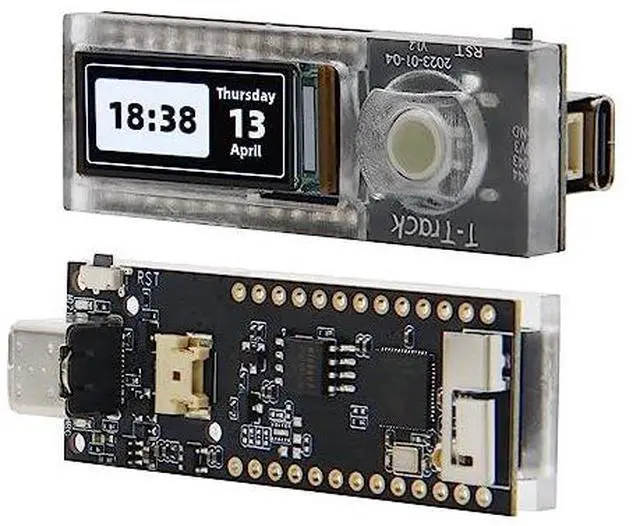
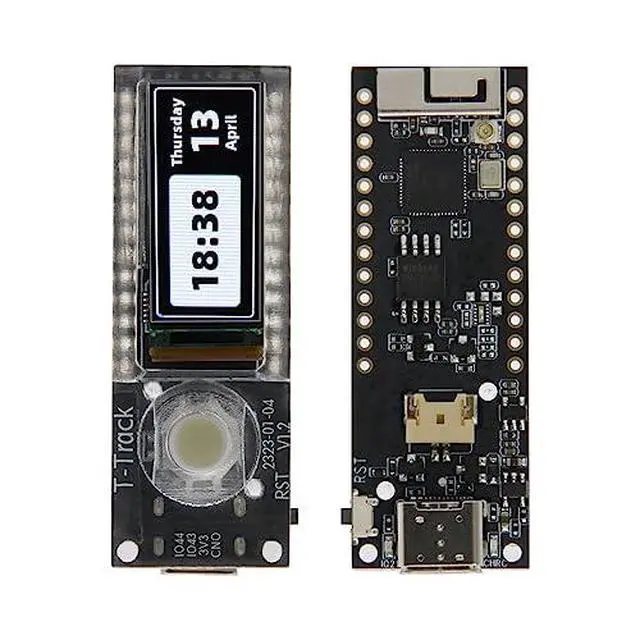
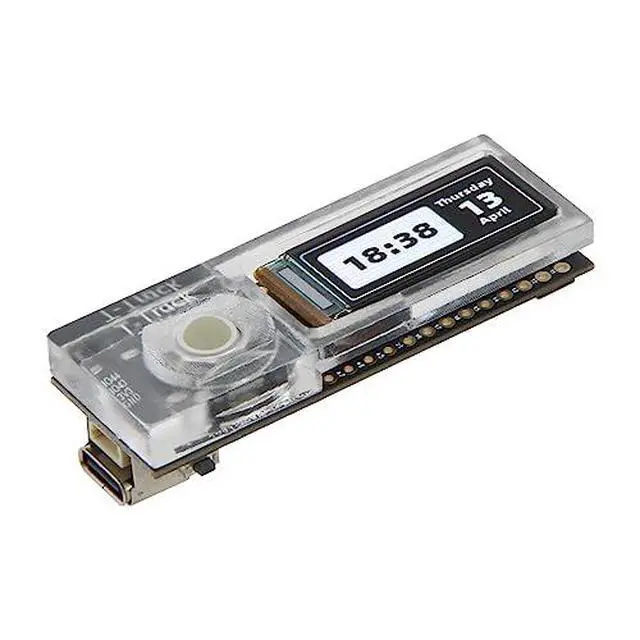
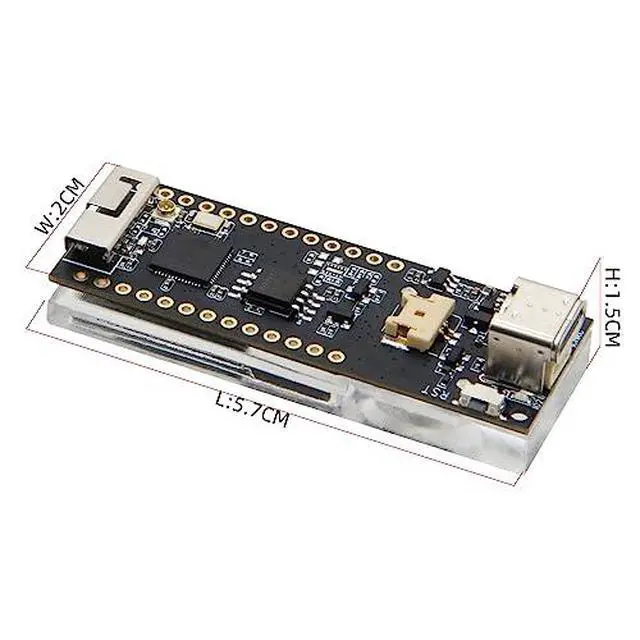
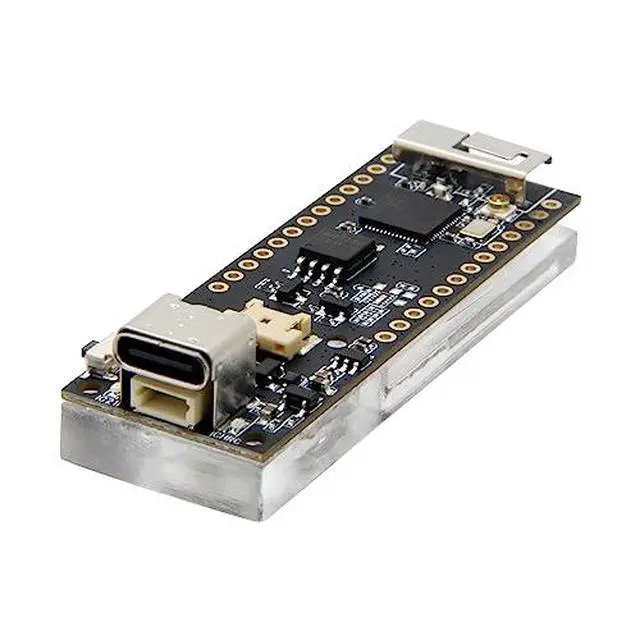



Specifications
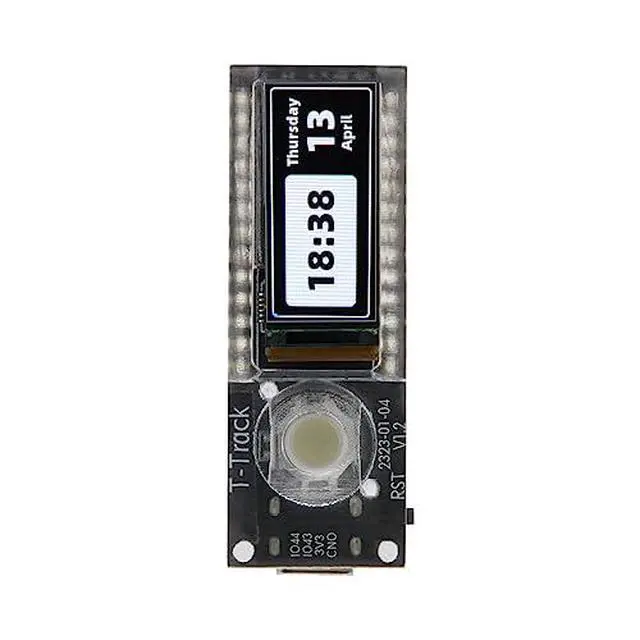
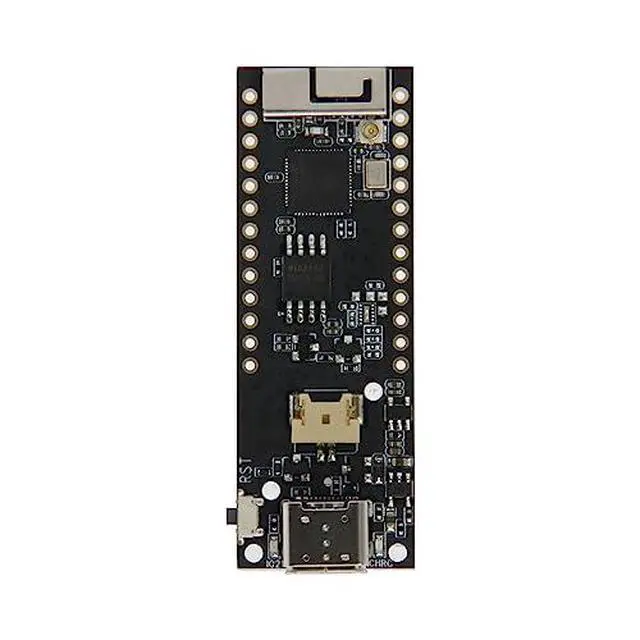
Tips When the USB is repeatedly disconnected, it means that the program is abnormal. At this time, you need to follow the steps below Press and hold the BOOT(In the middle of the trackball, press down) button (without releasing it), then press the RST button, then release the RST button, and finally release the BOOT(In the middle of the trackball, press down) button Click the upload button in the IDE and wait for the upload to complete Press the RST button to exit the download mode Product Display Product Pin Diagram Quick Start The board uses USB as the JTAG upload port.Warranty Notice:
This product does not include manufacturer warranty when purchased or used outside of its designated sales region. By purchasing internationally, you acknowledge that warranty support from the manufacturer will not be available.