Product description T-Display-S3 Pro
Specifications
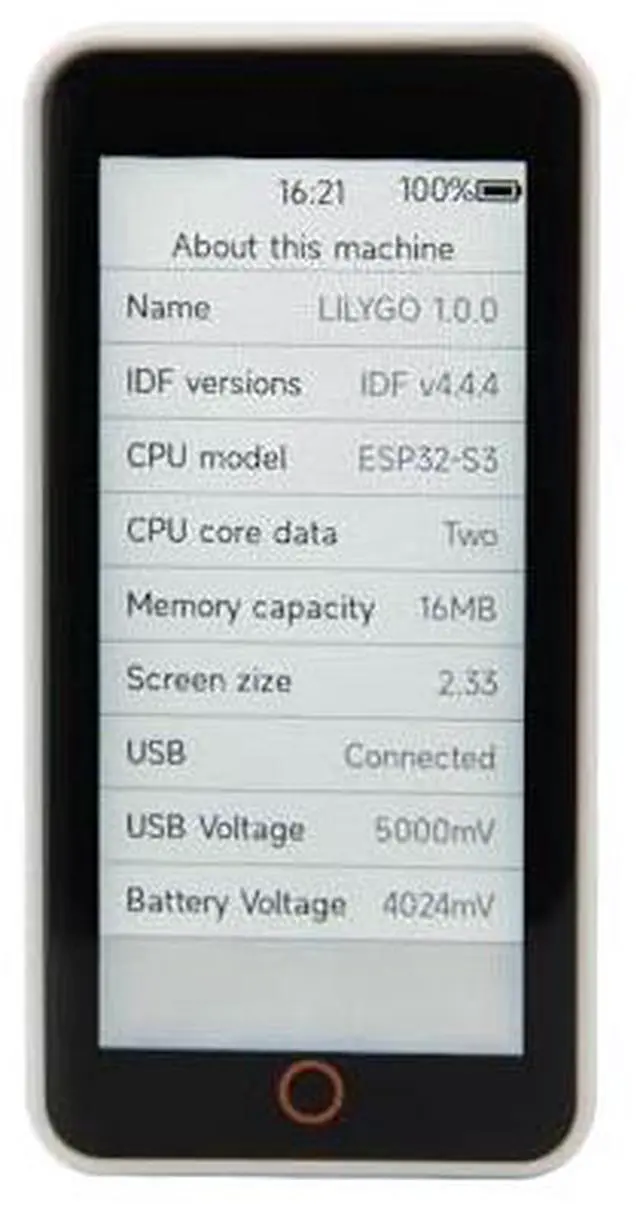
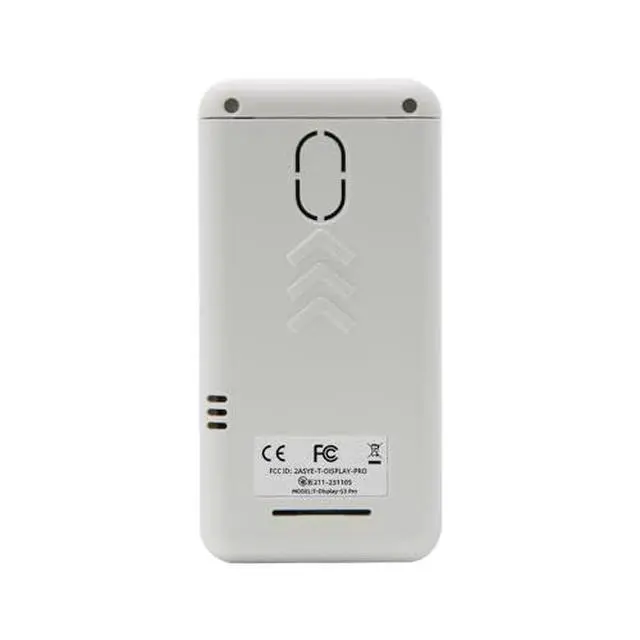
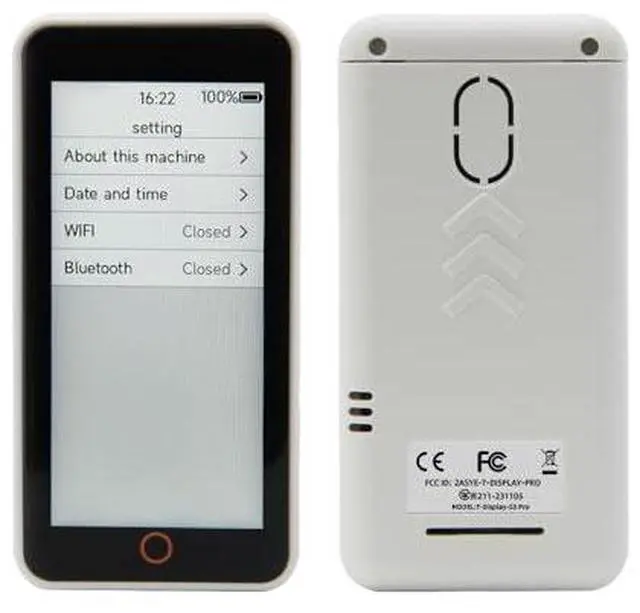
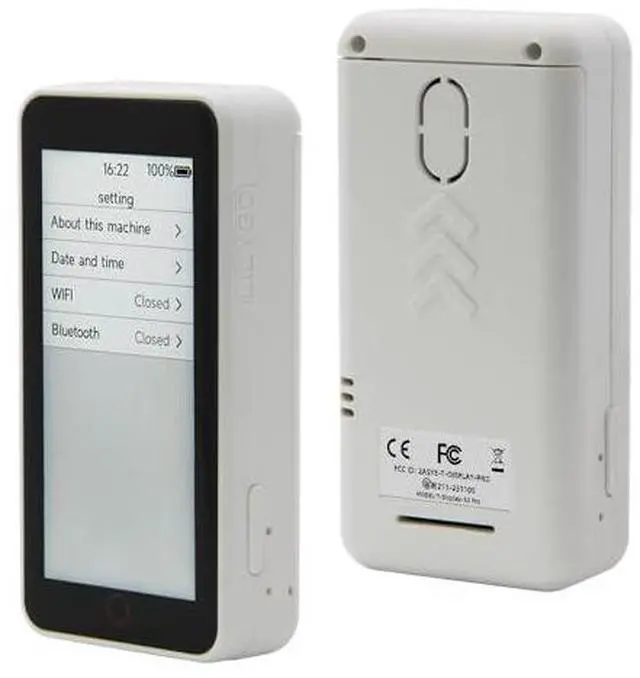
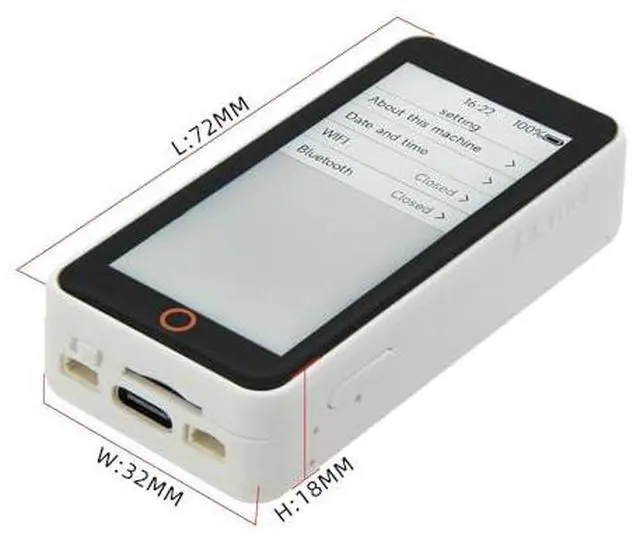
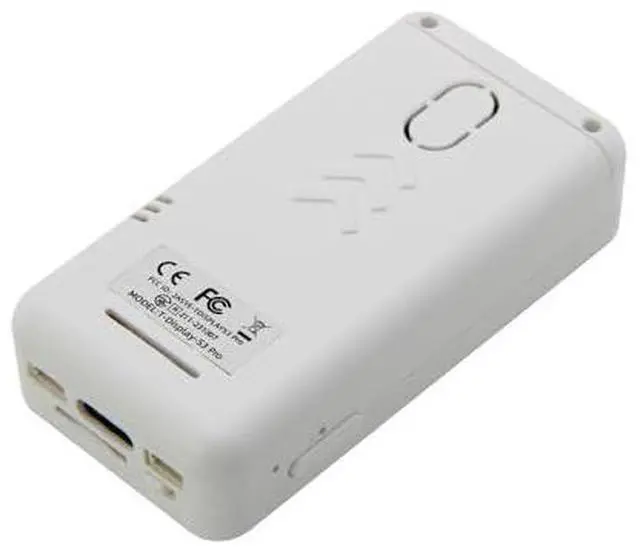
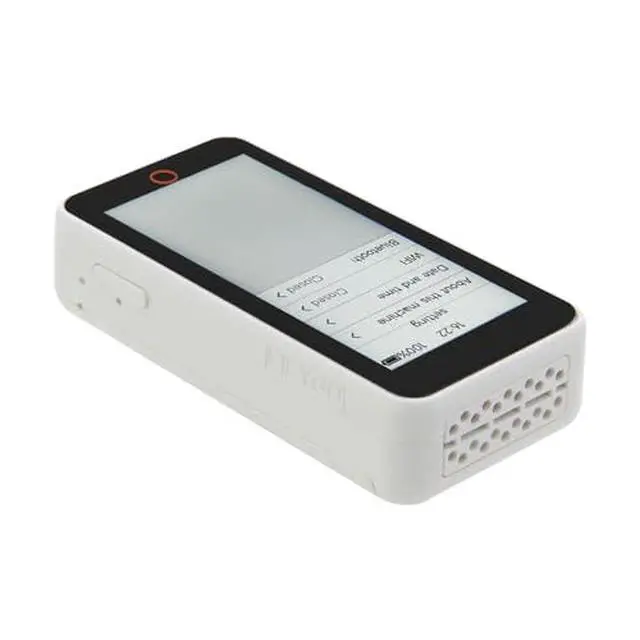
T-Display-S3-Pro is the upgraded version of T-Display-S3. The main thing is the use of a larger screen 2.33 -inch screen and the addition of the chip SY6970 for phone OTG. Continuing the way of the T-display S3, the case is ABS, and there is the expansion of the camera module through POGOpin for the use of a built-in module. Default built-in 3.8V 470ma battery. Ambient light and proximity sensors on the top of the screen, two integrated QWIIC ports, and a battery power switch. An optional MPU9250 IMU module is also available internally.
Note: The interface shown in the picture is a sample UI routine, not a function that this product has. Specific on-board features are subject to detailed descriptions.
Github: github. com/Xinyuan-LilyGO/T-Display-S3-Pro PIN MAP FAQ The board uses USB as the JTAG upload port. When printing serial port information on USB_CDC_ON_BOOT configuration needs to be turned on. If the port cannot be found when uploading the program or the USB has been used for other functions, the port does not appear. Please enter the upload mode manually. Connect the board via the USB cable Press and hold the BOOT button, While still pressing the BOOT button, press RST Release the RST Release the BOOT button Upload sketch If the above is invalid, burn the binary file to check whether the hardware is normal The OTG external power supply function requires turning on the PMU OTG enablement. If the USB input is connected and the OTG is set to output, the battery will not be charged. Turning the physical switch to OFF will completely disconnect the battery from the motherboard. When charging is required, turn the switch to ON. SHIPPING LIST 1 X T-Display S3 pro 2 X Pin (13pin ) See More