




Control the TV with Your Voice
Intelligent Voice Function
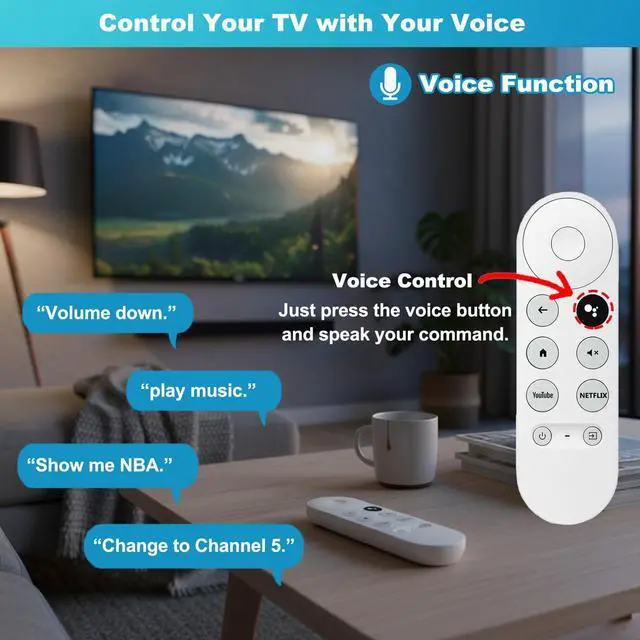
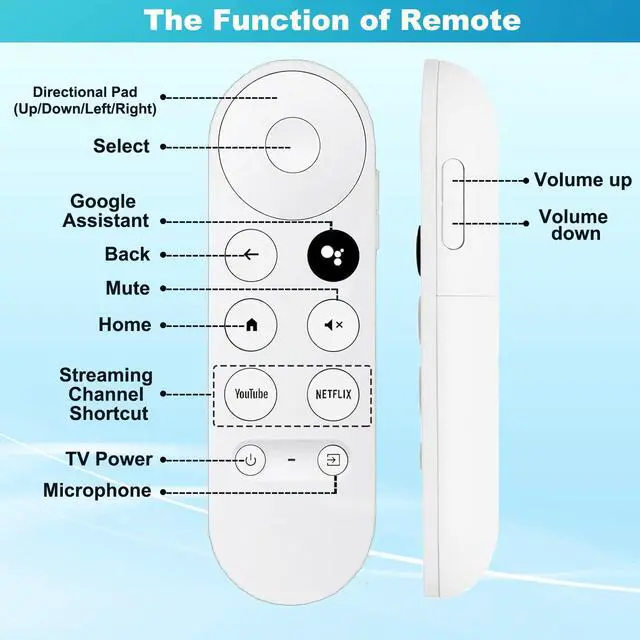
Remote control allows for voice control, simply press the microphone button and say the keywords you want, such as lowering volume, playing music, etc., to control the TV. Please note that it is only compatible with voice enabled TVs. If your TVs do not support voice functionality, the remote control will not work and only one TV device can be connected at a time.

WIDELY COMPATIBLE
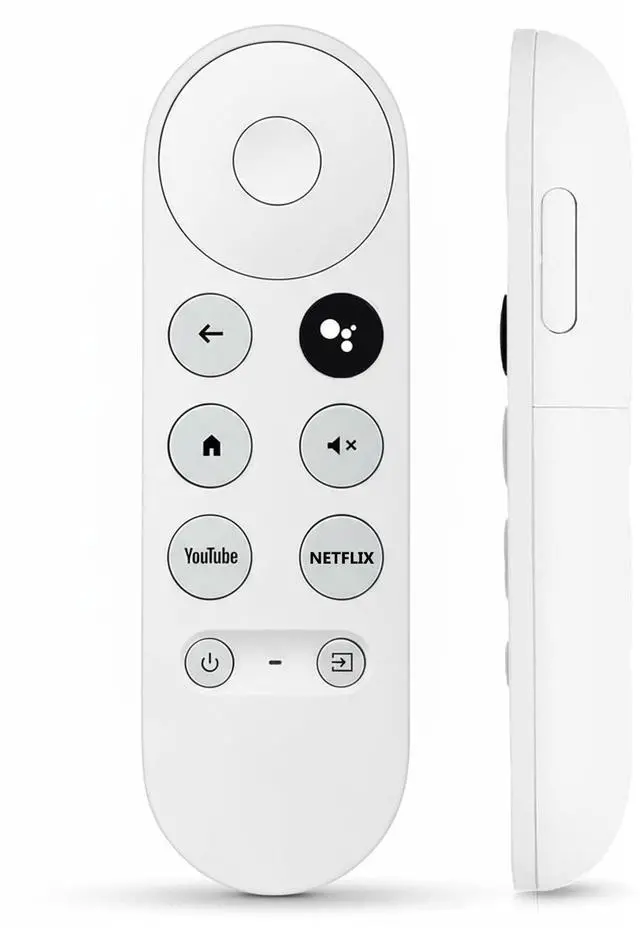
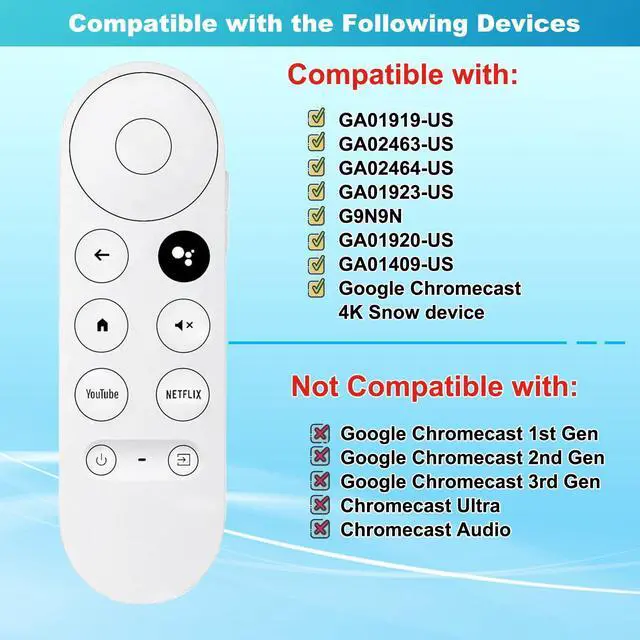
Replacement for Google Chromecast Remote, for Chromecast with Google TV Remote, for Google TV HD/4K Streaming Stick,chromecast remote replacement for G9N9N, GA01920-US, GA01409-US GA01919-US, GA01923-US, GA02463-US, GA02464-US

Instructions for Using
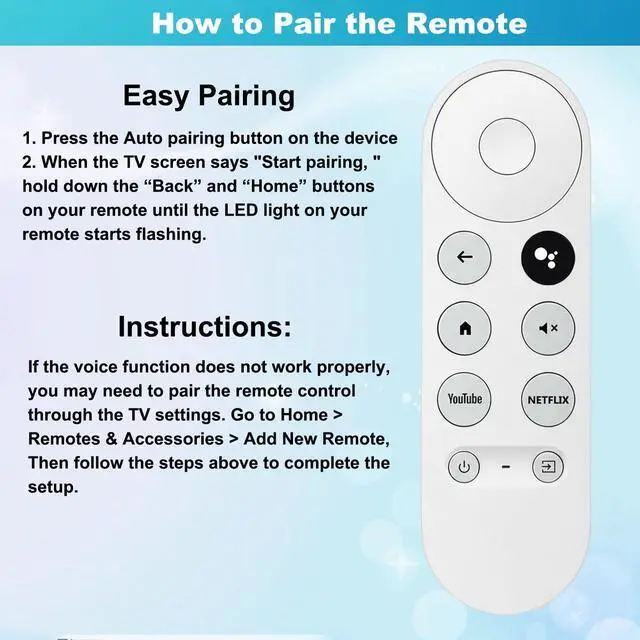
1. Press the Auto pairing button on the device when the TV screen shows "Start pairing", hold down the "Return" and " Home " buttons on your remote controller until the LED light on your remote control start flashing.
2. Replug the device ( Google Chromecast 4k Snow ), the device will start pairing, hold down the "Return" and " Home" button on your remote controller until the LED light on your remote control start flashing.
3. If the voice function doesn't work well, please repair to the TV by going through the TV Settings.
Go to the home page, then select " Remotes & Accessories " and select to add a new remote controller, then follow the steps to add a new remote controller.

Control the TV with Your Voice
Intelligent Voice Function
Remote control allows for voice control, simply press the microphone button and say the keywords you want, such as lowering volume, playing music, etc., to control the TV. Please note that it is only compatible with voice enabled TVs. If your TVs do not support voice functionality, the remote control will not work and only one TV device can be connected at a time.
WIDELY COMPATIBLE
Replacement for Google Chromecast Remote, for Chromecast with Google TV Remote, for Google TV HD/4K Streaming Stick,chromecast remote replacement for G9N9N, GA01920-US, GA01409-US GA01919-US, GA01923-US, GA02463-US, GA02464-US
Instructions for Using
1. Press the Auto pairing button on the device when the TV screen shows "Start pairing", hold down the "Return" and " Home " buttons on your remote controller until the LED light on your remote control start flashing.
2. Replug the device ( Google Chromecast 4k Snow ), the device will start pairing, hold down the "Return" and " Home" button on your remote controller until the LED light on your remote control start flashing.
3. If the voice function doesn't work well, please repair to the TV by going through the TV Settings.
Go to the home page, then select " Remotes & Accessories " and select to add a new remote controller, then follow the steps to add a new remote controller.