


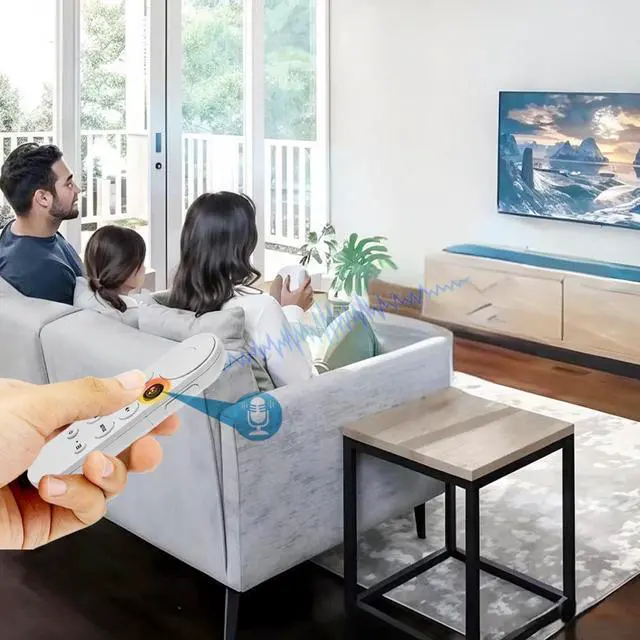


Voice assistant efficiently solves search problems


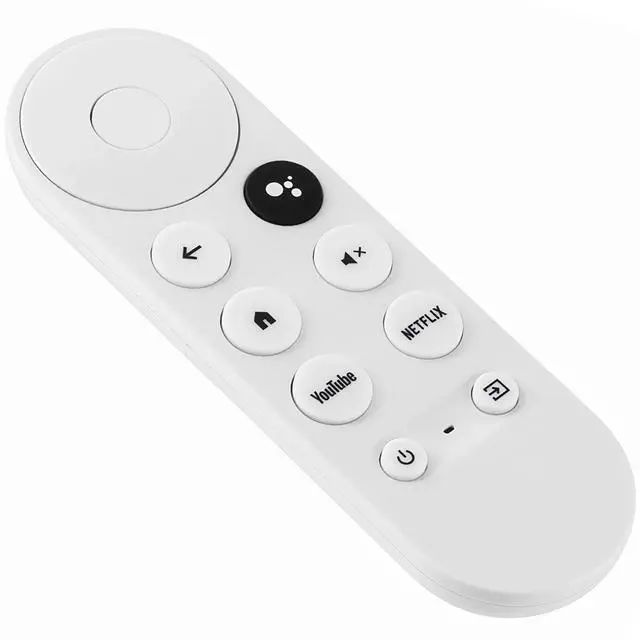
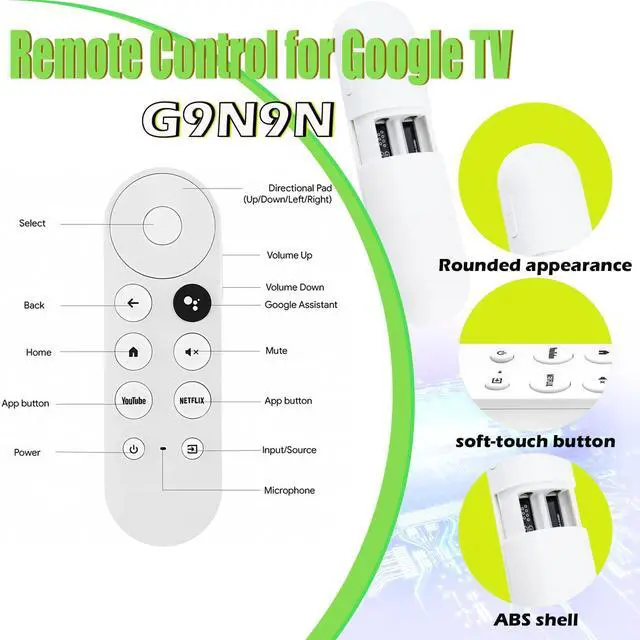
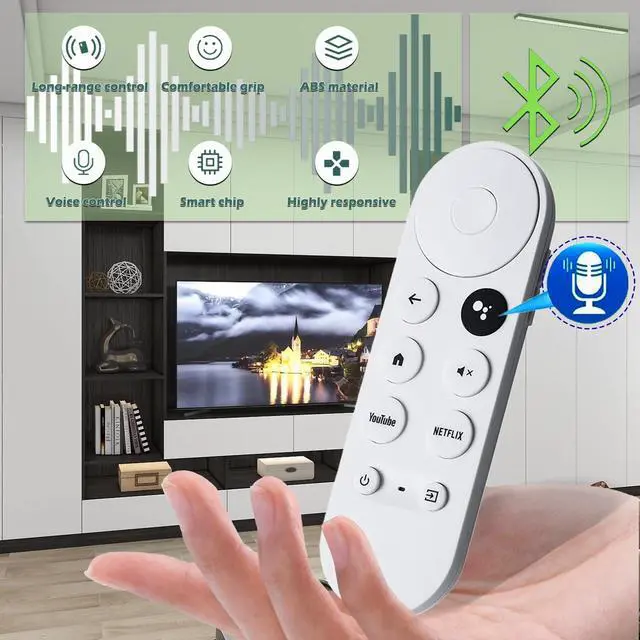
Now you can use your for Google voice to find your favorite content, control volume, switch inputs, play music and get answers to questions, as well as quickly search thousands of popular channels and play entertainment by simply pressing the Assistant button on your remote.


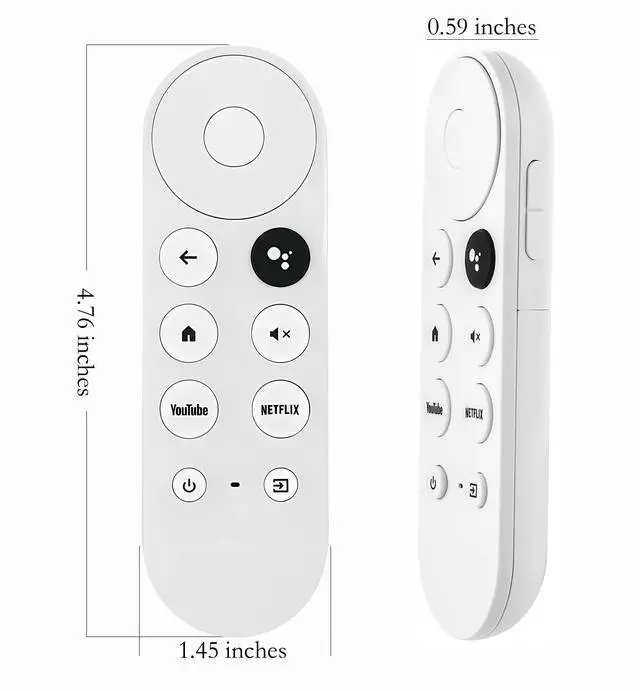
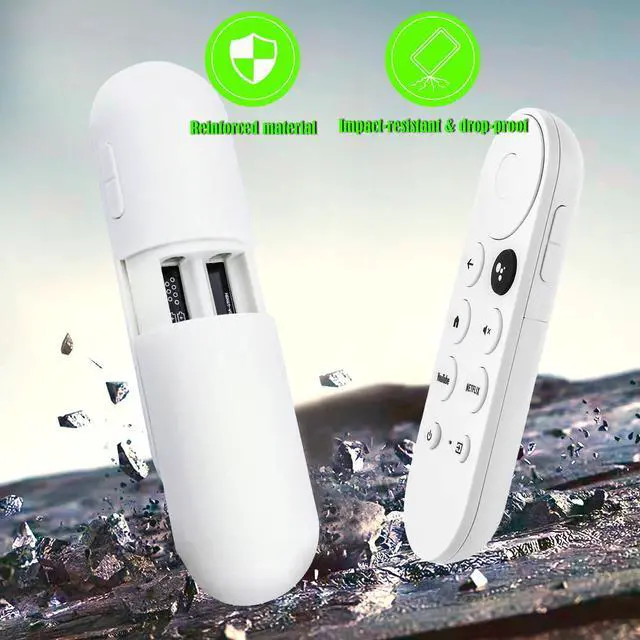
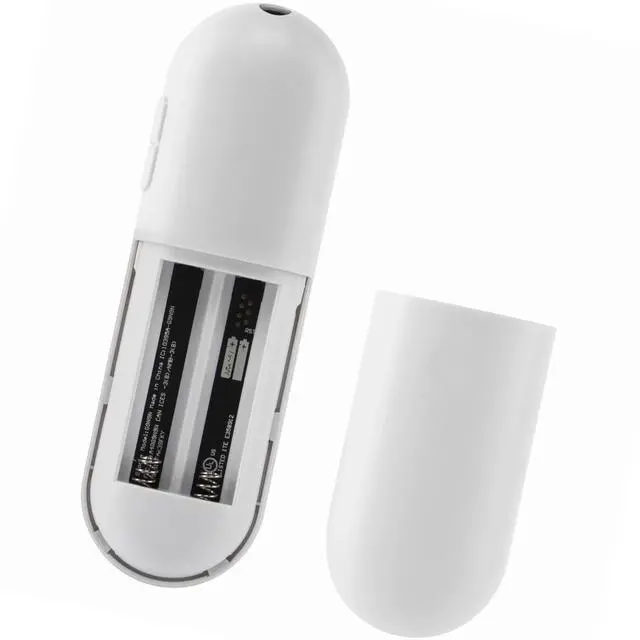
Our BENACES replacement for Google G9N9N remote control is made of odorless, high-quality ABS with a lightweight, responsive buttons. Its upgraded smart chip offers a 32ft range and 0.2s response time for smooth channel switching.


Bluetooth pairing instructions:
1. Press the "Auto Pairing" button on your device.
2. When the TV screen displays "Start Pairing", press and hold the button.
Press your "Back" and "Home" buttons
until the LED on the remote control starts blinking.
Infrared download steps:
1. Press and hold the Left+Mute button for 3 seconds to enter the download mode.
2. Press and hold the power button to enter the auto search download. When the TV responds (power off or power
on), immediately release the button and press Power to check if the TV is responding.
A. If the TV can be turned on and off, press something other than the power/power button to exit download mode.
B.If the TV cannot be turned on and off, press the Power button to look backward or forward. Each time you press the Power button, the infrared light moves forward and checks to see if the TV is responding. Until the TV responds; press a key other than the Power/Power key to exit download mode.
3. After downloading the power key, the source key is also downloaded to the same IR protocol at the same time, so there is no need to re-download.
Download. Note: Some TVSs do not have the source function, and the TVS will not respond at this time.
Press and hold the OK and HOME keys to restore the default state.

Pursuit of Product Excellence
Our relentless pursuit is the quality of products,
the use of the effect, whether it can solve the
problem for the customer!

BENACES is committed to exceeding our customers expectations in order to fulfill their needs.
Pursuing continuous improvement of product utility. Products which face customers with excellent quality. We are strive to provide customers with a pleasant buying experience.

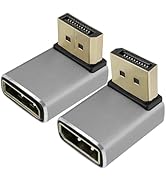
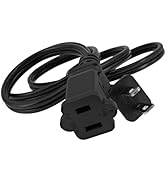
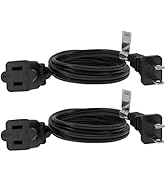
TV accessory and power cords
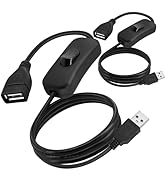
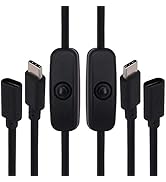
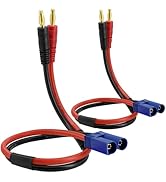
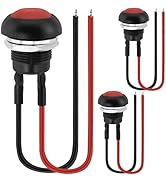
Power cords
Voice assistant efficiently solves search problems


Now you can use your for Google voice to find your favorite content, control volume, switch inputs, play music and get answers to questions, as well as quickly search thousands of popular channels and play entertainment by simply pressing the Assistant button on your remote.


Our BENACES replacement for Google G9N9N remote control is made of odorless, high-quality ABS with a lightweight, responsive buttons. Its upgraded smart chip offers a 32ft range and 0.2s response time for smooth channel switching.
Convenient and easy to use, improving search efficiency


Bluetooth pairing instructions:
1. Press the "Auto Pairing" button on your device.
2. When the TV screen displays "Start Pairing", press and hold the button.
Press your "Back" and "Home" buttons
until the LED on the remote control starts blinking.
Infrared download steps:
1. Press and hold the Left+Mute button for 3 seconds to enter the download mode.
2. Press and hold the power button to enter the auto search download. When the TV responds (power off or power
on), immediately release the button and press Power to check if the TV is responding.
A. If the TV can be turned on and off, press something other than the power/power button to exit download mode.
B.If the TV cannot be turned on and off, press the Power button to look backward or forward. Each time you press the Power button, the infrared light moves forward and checks to see if the TV is responding. Until the TV responds; press a key other than the Power/Power key to exit download mode.
3. After downloading the power key, the source key is also downloaded to the same IR protocol at the same time, so there is no need to re-download.
Download. Note: Some TVSs do not have the source function, and the TVS will not respond at this time.
Press and hold the OK and HOME keys to restore the default state.
Pursuit of Product Excellence
Our relentless pursuit is the quality of products,
the use of the effect, whether it can solve the
problem for the customer!
BENACES is committed to exceeding our customers expectations in order to fulfill their needs.
Pursuing continuous improvement of product utility. Products which face customers with excellent quality. We are strive to provide customers with a pleasant buying experience.
TV accessory and power cords
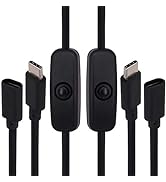
Power cords
