






How to use on windows and Mac system computer?
For Windows
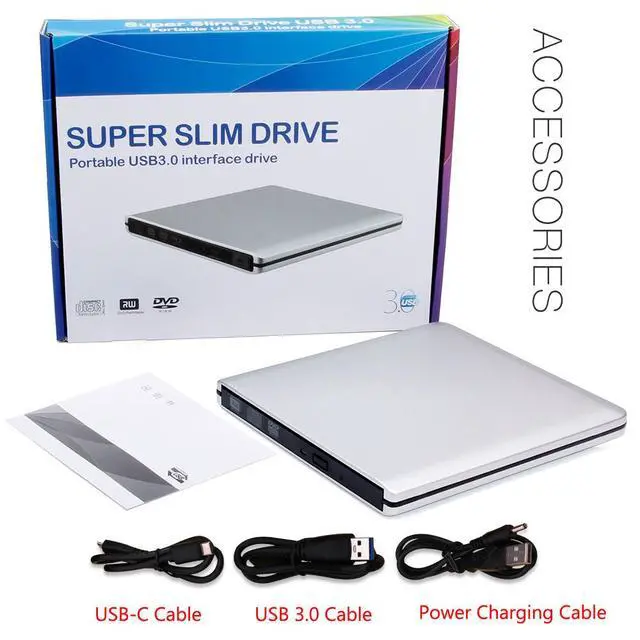
First, Plug the usb 3.0/usb c port into your laptop usb port or type c port. (If your device is desktop, please connect the cd drive to the motherboard usb port).
Then, click the windows laptop's "my computer", you will see the cd/dvd icon. You need confirm that the laptop's has recognized the external cd drive.
Third, use VLC Media Player to play the video. If you want to burn cd, please use the NERO software. It can help you quickly finish.
For Mac OS
First, you need insert a cd into the External CD Drive. Then you will see the cd/dvd icon.
Second, put the cd into the cd drive.Waite a moment, you will see the cd content. (If the files was can't be seen, the External CD Drive may have problem.)
Third, use VLC Media Player to play the video. If you want to burn cd, please use the NERO software. It can help you quickly finish.
Compatibilty and Incompatibility:
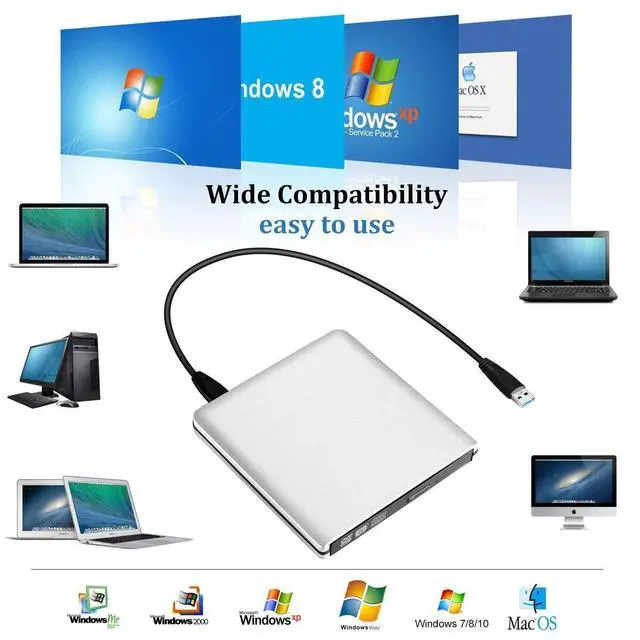
Compatibilty: External DVD Drive is compatible with Windows 11/10/8.1/7/XP, Vista 7/8, Linux, Mac OS 10.6 or later such as Apple MacBook Air and MacBook Pro.
Incompatibility: It does not compatible with TV / Car / Truck / Blu Ray / Projector / Tablet / iPad / Smartphone / iPhone / ChromeBook /Chrome OS /Surface Pro / Ubuntu System /HD,3D, 4K discs /gaming consoles (PS4/PS5, Xbox, Nintendo Switch).

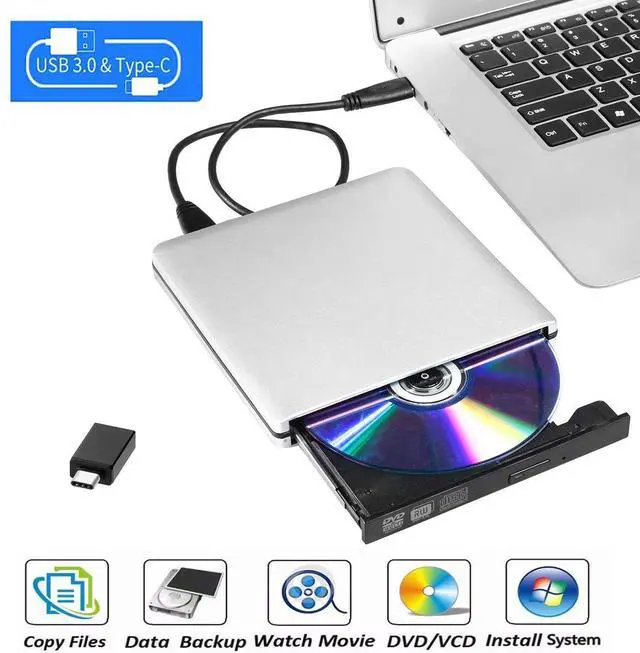
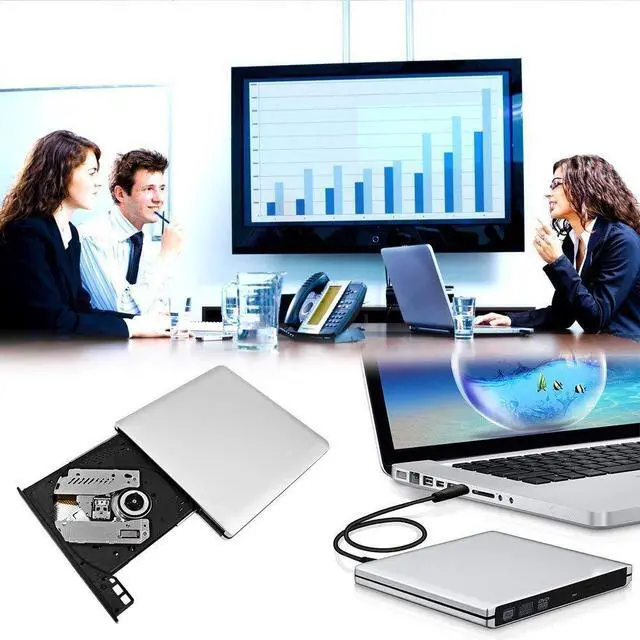
Plug & Play External DVD Drive: The External CD Drive is powered by USB port, just plug the USB A/USB C data cable into your laptop, insert the CD/DVD, then External CD Burner will be detected. Using the corresponding software to read and burn your CDs or DVDs
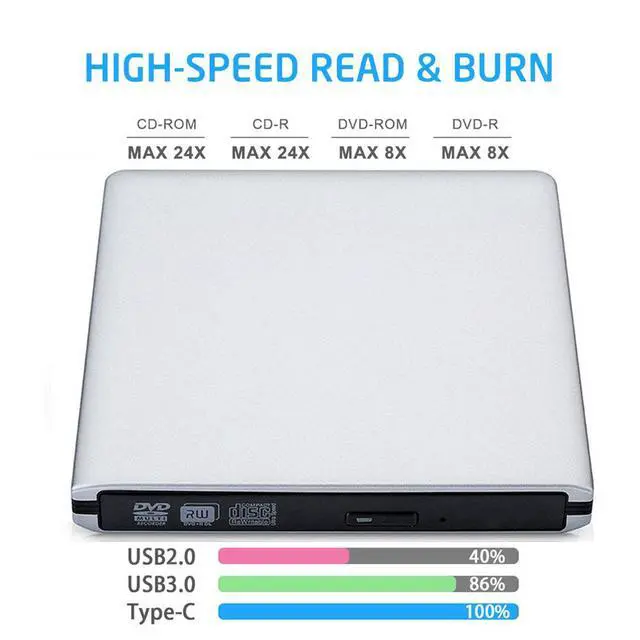
High Speed USB 3.0 & USB C: The DVD Player for Laptop adopted high speed USB 3.0 technology and is backward compatible with USB 2.0.The CD Burner offers Max 8x DVD Write/Read Speed and Max 24x CD Write/Read speed, faster than you expected
Wide Compatibility: External CD/DVD Drive for Laptop PC Desktop Linux OS Apple Mac MacBook Pro. USB DVD Drive External is compatible with Windows 11/10 /8.1/7/XP/Vista, Linux, all version Mac OS system Laptop. In addition,the CD Reader for Laptop supports reading and writing of CD±R/RW,CD-ROM,DVD±R/RW, DVD-RAM,VCD,and SVCD. Not supported: Cars,TVs,Tablets,Smartphones,Projectors and Blu-ray disk; Not support: m1 chip, m2 chip, m3 chip and m4 chip; Windows 11 requires media player
Portable CD Drive - Slim & Compact: Embedded cable design with slim lightweight body, skip-proof rubber pad prevents sliding on the desktop. This CD Drive External USB can be slipped in your laptop bag, take it with you to anywhere and hooked up at any time
Notice: 1.Making sure that your computer has a normal driver program, suitable media player and burn software before using this External DVD Drive to work; 2.For iOS system using the mac commands to eject the disc, ios system refuse to perform the command made by the drive
Guarantee Service: Our products offer 1 year quality guarantee service. If you have any questions about this External CD/DVD Drive for PC, please feel free to contact us at lz0709az@163.com. We will solve your problem within 24 hours. If there is a product quality problem while using the product, we will offer a free quick replacement



Things should be noted about this external cd/dvd drive for laptop
1.If your computer(Windows 10 / 11) does not recognize the External DVD Drive or it fails to read discs, you might find a solution by searching for "AyPhnwzyuoI" on YouTube. There are repair methods shown in the video that may help.
2. Windows 10/11 requires a media player (such as VLC) and network connection.
3. Remember to set the DVD Region to United States on the player - Properties - click Hardware Tab - click Properties button - then choose country Region (US is 1) and OK to apply. Remember you can only reset the country 4-5 times.
4. Please directly connect it to the USB port of the laptops. Connection through a USB hub or USB extension cord may affect the device's functioning. For desktops, please connect it to the back USB port of the motherboard because of potential power issue.
5. For macbook, to eject a disc, you have to use the drop-down "eject" button on your computer under the file tab. Pushing the button on the disc drive won't do anything. Mac OS computers do not display the device icon before placing a disc into disc tray.
6. Before playing or burning cd/dvd for laptop on your laptop, please make sure you have corresponding software on your laptop.Computers does not natively support DVD movie playback, so a third-party application, such as VLC, must be downloaded and installed in order to watch DVDs using this cd/dvd player. You could download any one of a plethora of burning software utilities available on the Internet. Or try the following:
No fee playing software: Any Media Player, Any DVD
No fee burning software for Windows OS: InfraRecorder, Ones, Express Disc Burner
No fee burning software for mac OS: Burn for mac
No fee burning software for Linux OS/Unix OS: K3b (KDE Burn Baby Burn)
7. Just because you have a series of video files doesn't mean they are compatible with DVDs. In fact, most computer and phone video formats are not compatible. So you need a third-party software to convert your file format to one that can be shown on discs. It won't work even you burn your file onto discs without converting format.
8. The maximum read capacity is 8.5GB, so portable CD/DVD drive cannot play discs exceeding 8.5GB.