




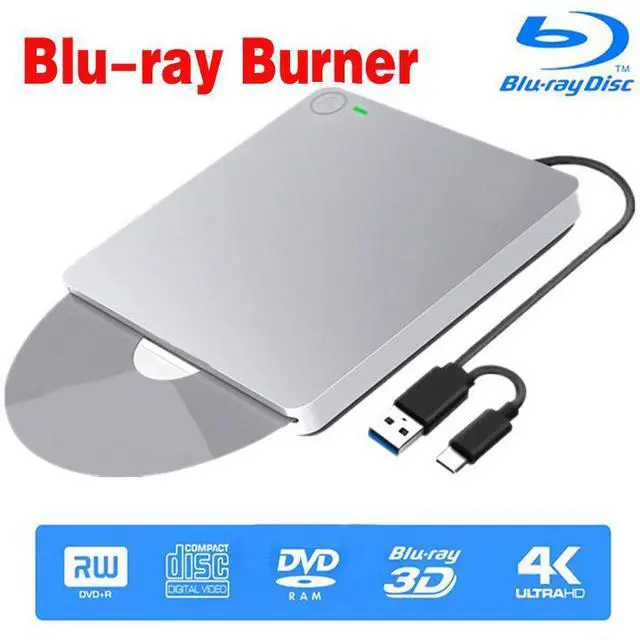
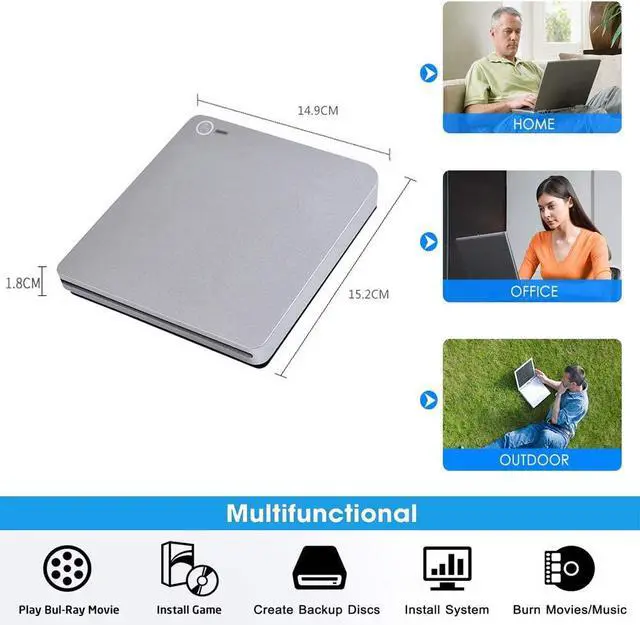
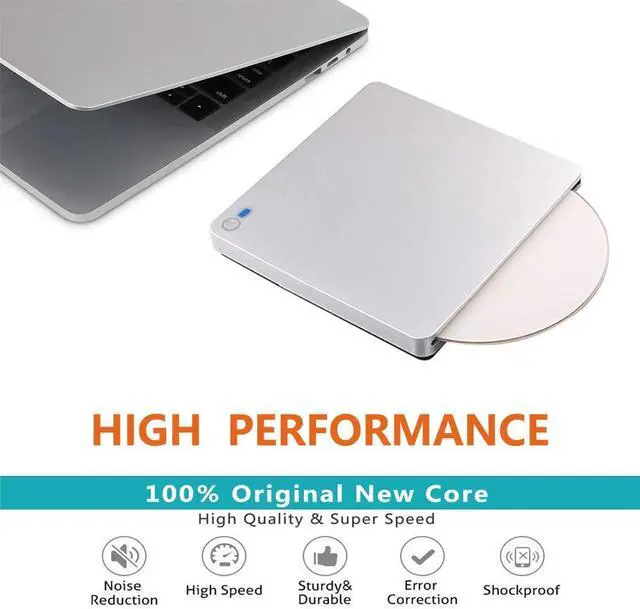
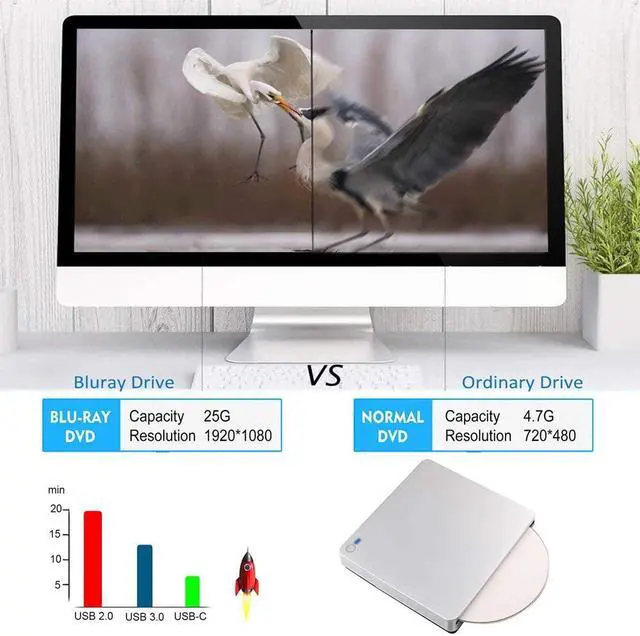


Supports High Speed Reading 3D Blu Ray Disc
Specifications:
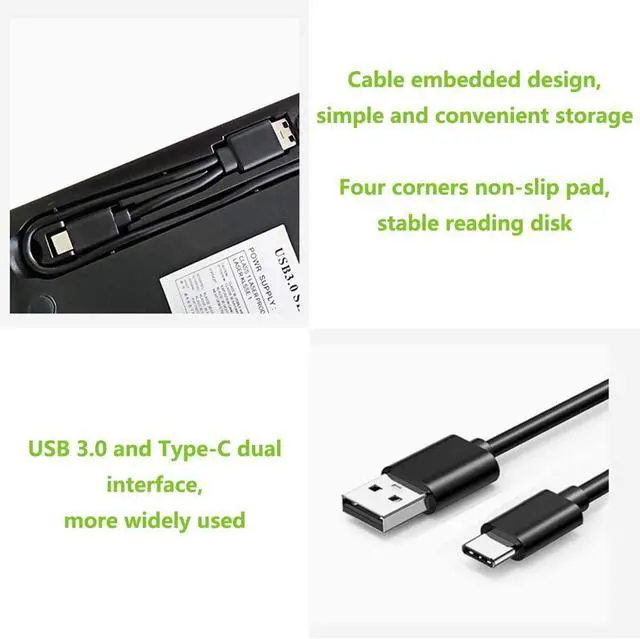
USB Interface: USB 3.0 and Type-C
Cache capacity: 2MB
Loading Method: Slot-in Loading
Power supply: 5V
Read Speed (Max.) :DVD-ROM: 8X, CD-ROM: 24X, BD-ROM: 2.0X(for Video) Max 6X (for Data)
Writing Speed (Max.):CD-R: 24X CD-RW: 16X DVD-R: 8X DVD-R DL: 6X DVD-RW: 6X DVD+R: 8X DVD+R DL: 6X DVD+RW: 8X DVD-RAM: 3X-5X PCAV (4.7GB)
Warm Tips:
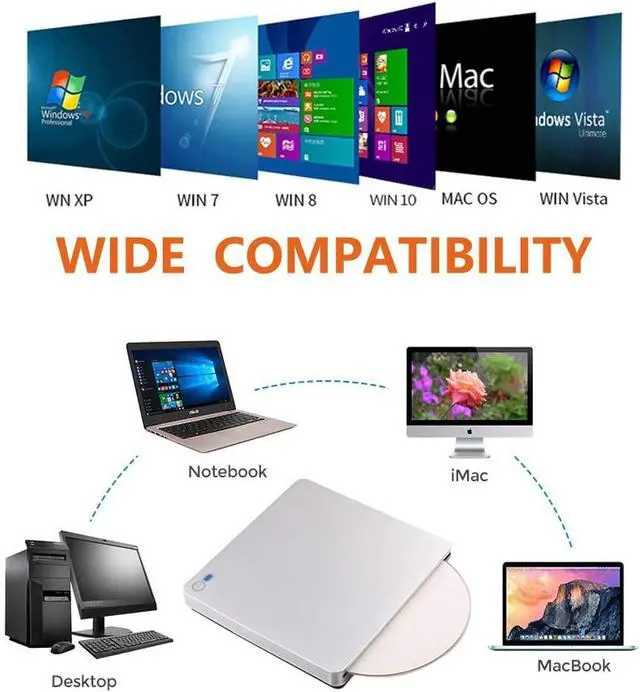
- 1.The Blu-ray drive is compatible with Windows XP/7/8/10/11, all versions of MAC OS 10 or below systems.
- 2.The external blu ray drive does not support tv / car / projector / tablet / smartphone / Chrome OS.
- 3. Due to the low voltage conditions of some tablets, this Blu-ray drive cannot be used on tablets, such as the Surface series.
- 4.Please hook up the device to the direct USB port on your computer. For desktop computers,to the drive work properly, please make sure connect the device to the USB port on the motherboard. If you connect it to a USB hub or extension cable, you may not be able to recognize the drive or read the BD, CD/DVD.
- 5.When use it by laptop, please make sure that your laptop is in enough power (we suggest you plug in laptop's AC adapter when using).
- 6.The blu ray DVD Drive does not play 4K Ultra HD discs.
- 7.This external Blu-ray DVD drive needs to download the Blu-ray player software before you play a bluray disc. Recommendations are as follows: Leawo is good for reading disks. MAC users advise to buy Macgo blu-ray Player , and Windows users advise to buy PowerDVD. Also, you could search on the internet, there are some other nice recommendations.[Player software is not included.]
- 8.Player software on your computer must support Blu-ray format when playing Blu-ray discs.[Player software is not included.]
- 9.For better performance, we recommend you connect the power cable during use.
- 10.Please place the drive on a flat and stable surface when using. Do not press the drive when it is working.
- 11.Do not attempt to disassemble or repair the machine by yourself.
- 12.We suggest you to play blu-ray movies no more than 25G.
- 13.When this Blu-ray drive works on Windows 10 or Catalina,please note: It is important you have a media player such as the VLC media player installed BEFORE you connect the Blu ray player to play DVD. This is not a fault of the Blu-ray player - it's because Windows 10 / Catalina doesn't have a default player installed.Otherwise this Blu-ray drive can't play the DVD.
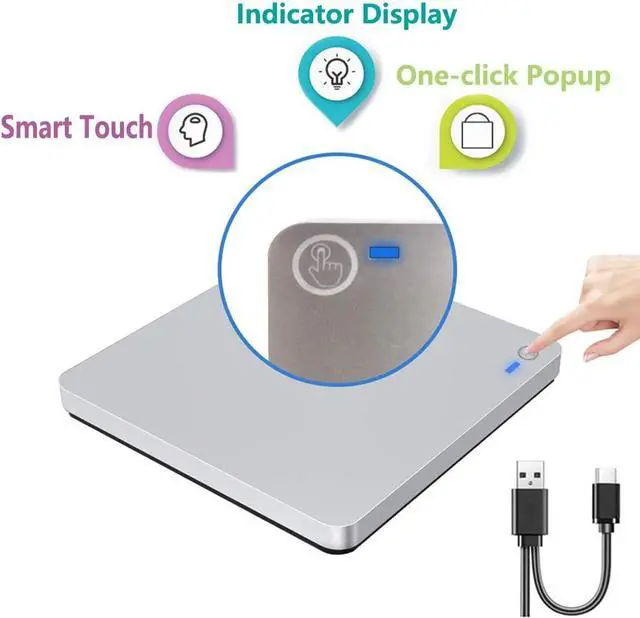
- 14.For Blu-ray drives with touch buttons,Touch ejection button does not work on Mac.(For Mac OS, use the mac command to eject disc. For Mac OS, the DVD drive icon shows after drive reads successfully the disc. So after you placed a disc into the drive, the DVD icon will not show up immediately.)